Guides
Eight specialist authors. Six domains. Every guide is written by the researcher who knows that category best — monitors by display specialists, docks by connectivity experts, keyboards by input device reviewers. No generalists writing about gear they’ve never touched.
 Docks & Hubs
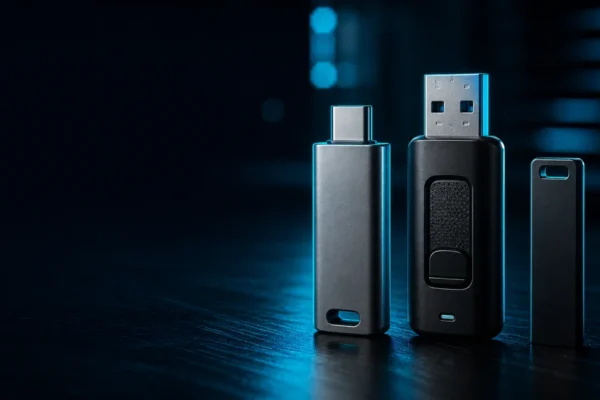
How to Choose a USB Flash Drive in 2026 (and Keep It Safe)
The short version: buy the drive that matches what you actually use, and buy it from somewhere you trust. USB flash drives are tech we all own and barely think about, until the day one stops working, or you find yourself asking whether a drive you didn’t buy is safe to plug in. I’ve been […]
 Guides
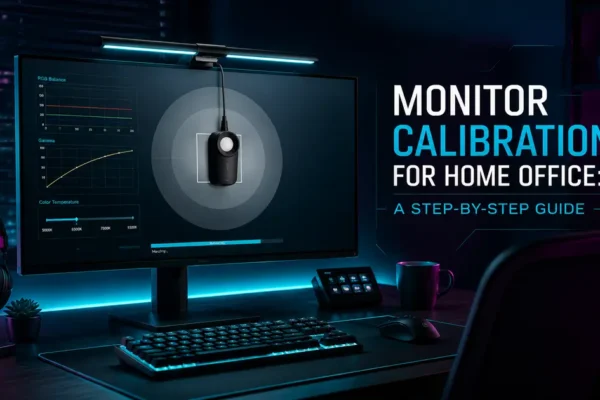
Monitor Calibration for Home Office: A Step-by-Step Guide
I’m Daniel Park. I review monitors for creative work, the 4K, ultrawide, and color-accurate panels that designers and video editors actually buy, and I spend a lot of my time staring at Delta E numbers. In this guide I’ll walk you through monitor color calibration for your home office using nothing but the tools already […]
 Ergonomics
Standing vs Sitting Desk: What the Research Actually Says
When The Economist ran a piece in August 2026 headlined “why standing at your desk may be little better than sitting,” my inbox filled up. Clients who had just bought sit-stand desks wanted to know if they had wasted their money. The honest answer to the standing desk vs sitting question is not the one […]
 Ergonomics
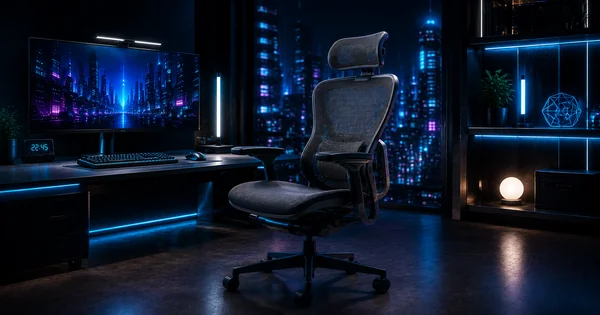
Chair Ergonomics Guide: How to Adjust Any Chair You Own (2026)
Chair ergonomics has a research problem: most of what people “know” about sitting posture hasn’t caught up with the evidence. If you’ve ever googled “how to sit properly” and walked away more confused than when you started, you’re not alone. Sit straight, but not too straight. Recline a little, but not too much. Lumbar support: […]
 Ergonomics
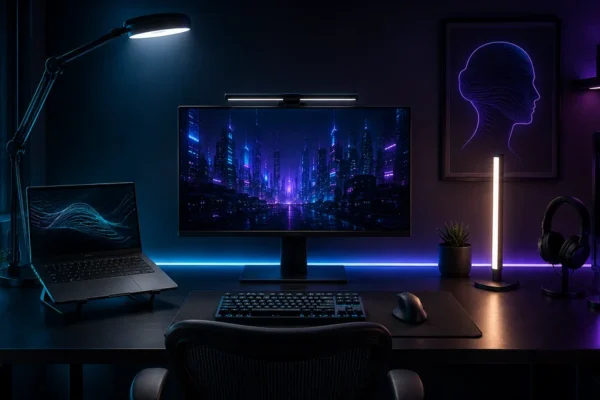
Home Office Lighting Guide: Reduce Eye Strain with the Right Light Setup
Most people will spend hours tweaking monitor settings, upgrading keyboards, and adjusting chair height, then ignore the one thing their eyes deal with every second of the workday. The 2026 Workplace Vision Health Report from VSP Vision Care and Workplace Intelligence found desk workers now average 99.2 hours of screen time a week, which is […]
 Ergonomics
Wrist Pain Prevention for Developers, Gamers & Office Workers
Evidence-based wrist pain prevention for developers, gamers, and office workers. Desk setup tips, stretches, and gear advice from an ergonomics specialist.
 Guides
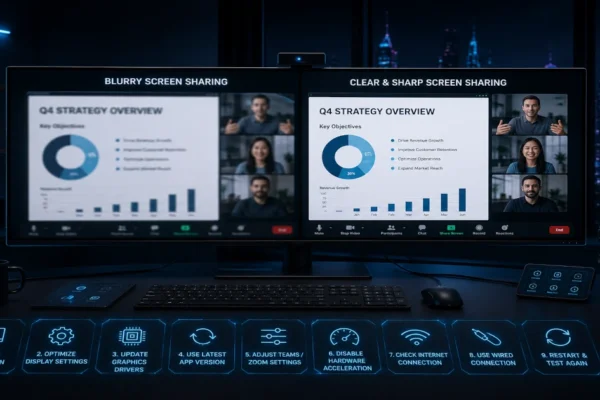
Ultrawide Screen Sharing Looks Blurry on Teams & Zoom? 9 Fixes That Actually Work (2026)
Ultrawide screen sharing looks blurry on Teams and Zoom? 9 fixes that actually work. Stop your 3440×1440 ultrawide from looking tiny to meeting participants.
 Guides
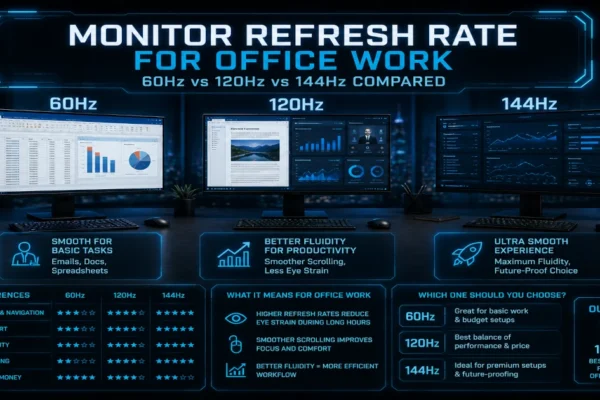
Monitor Refresh Rate for Office Work: 60Hz vs 120Hz vs 144Hz Compared
I tested 60Hz, 120Hz, and 144Hz monitors side by side for two weeks of real office work. Here is which refresh rate actually makes a difference for spreadsheets, email, and design apps.
 Guides
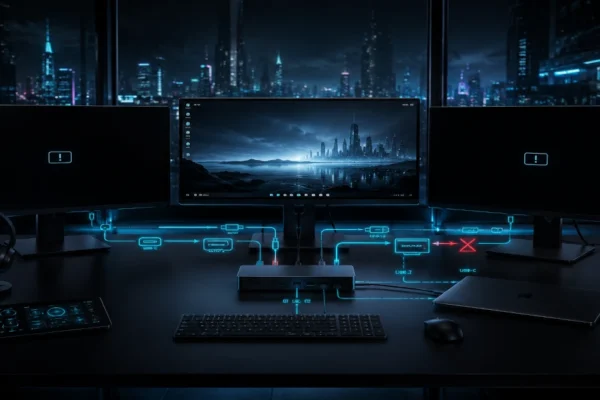
Monitors Not Detected? Docking & Display Fixes (2026)
Monitors not detected through docking stations? 50+ hours of testing reveals five failure points: EDID handshake, driver stack, USB-C video limits, and power states.
 Guides
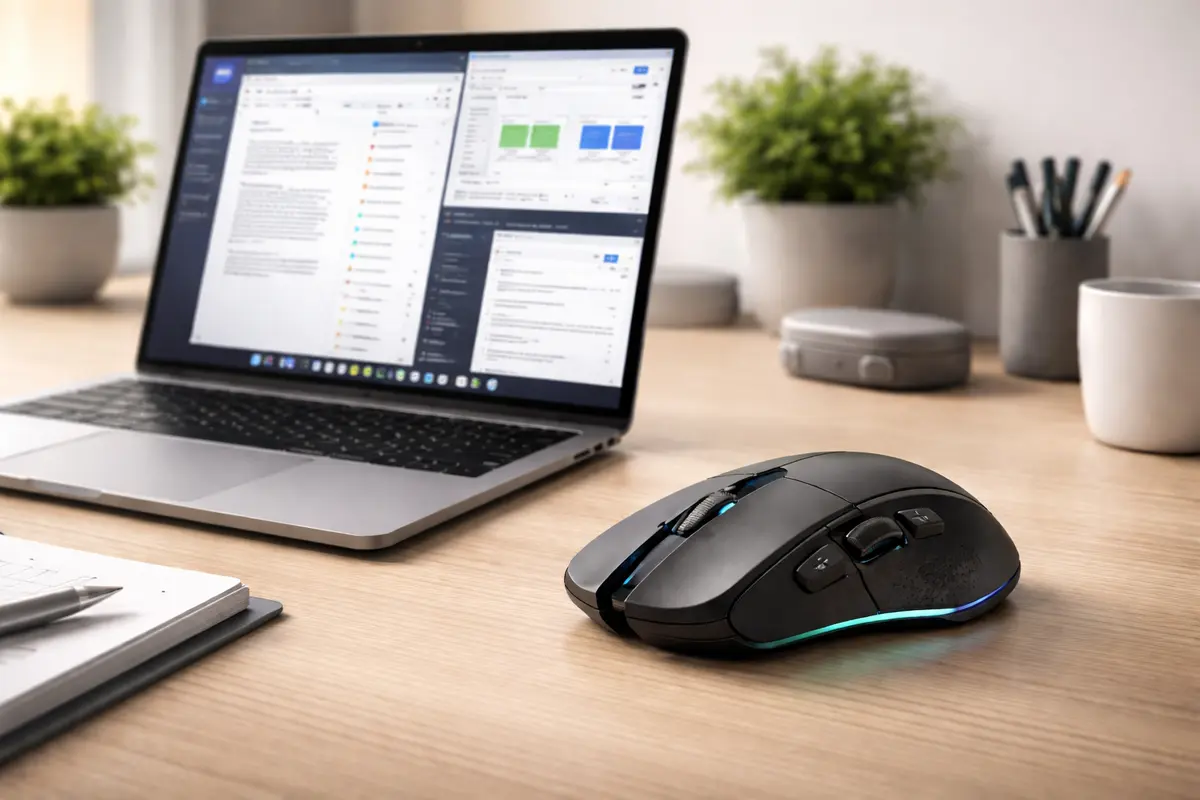
Gaming Mouse Office Productivity: 4 Mice I Tested for Real Work (2026)
Gaming mouse office productivity: 4 mice tested for real work. Logitech G502 X Plus leads with 13 programmable buttons that eliminate keyboard shortcuts.