Monitors
Reviews, comparisons, and buying guides for computer monitors used in home office and mixed Windows + Mac setups. We focus on sharp text, color accuracy, ergonomics, and real-world productivity — not gaming hype.
 Guides
How to Test a New Monitor (and Everything Else You Just Bought)
I test a new monitor the day the box arrives, because the faults that cost you money are not visible in the shop and not visible on the desk in week one. The return window is short and forgiving; the warranty that follows it is long and strict, and a single dead pixel usually falls […]
 Guides
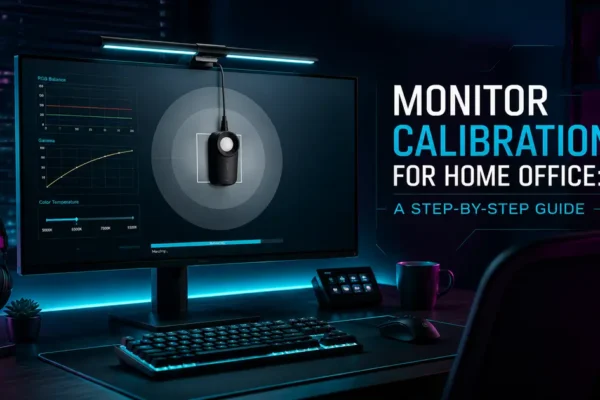
Monitor Calibration for Home Office: A Step-by-Step Guide
I’m Daniel Park. I review monitors for creative work, the 4K, ultrawide, and color-accurate panels that designers and video editors actually buy, and I spend a lot of my time staring at Delta E numbers. In this guide I’ll walk you through monitor color calibration for your home office using nothing but the tools already […]
 Guides
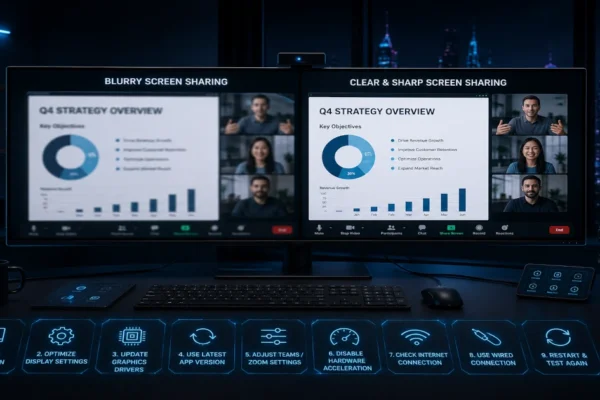
Ultrawide Screen Sharing Looks Blurry on Teams & Zoom? 9 Fixes That Actually Work (2026)
Ultrawide screen sharing looks blurry on Teams and Zoom? 9 fixes that actually work. Stop your 3440×1440 ultrawide from looking tiny to meeting participants.
 Guides
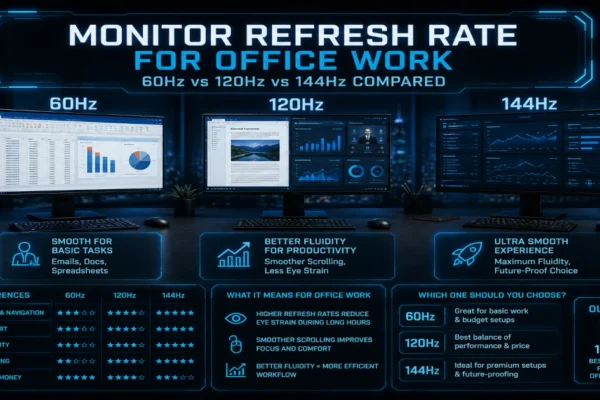
Monitor Refresh Rate for Office Work: 60Hz vs 120Hz vs 144Hz Compared
I tested 60Hz, 120Hz, and 144Hz monitors side by side for two weeks of real office work. Here is which refresh rate actually makes a difference for spreadsheets, email, and design apps.
 Guides
Monitors Not Detected? Docking & Display Fixes (2026)
Monitors not detected through docking stations? 50+ hours of testing reveals five failure points: EDID handshake, driver stack, USB-C video limits, and power states.
 Guides
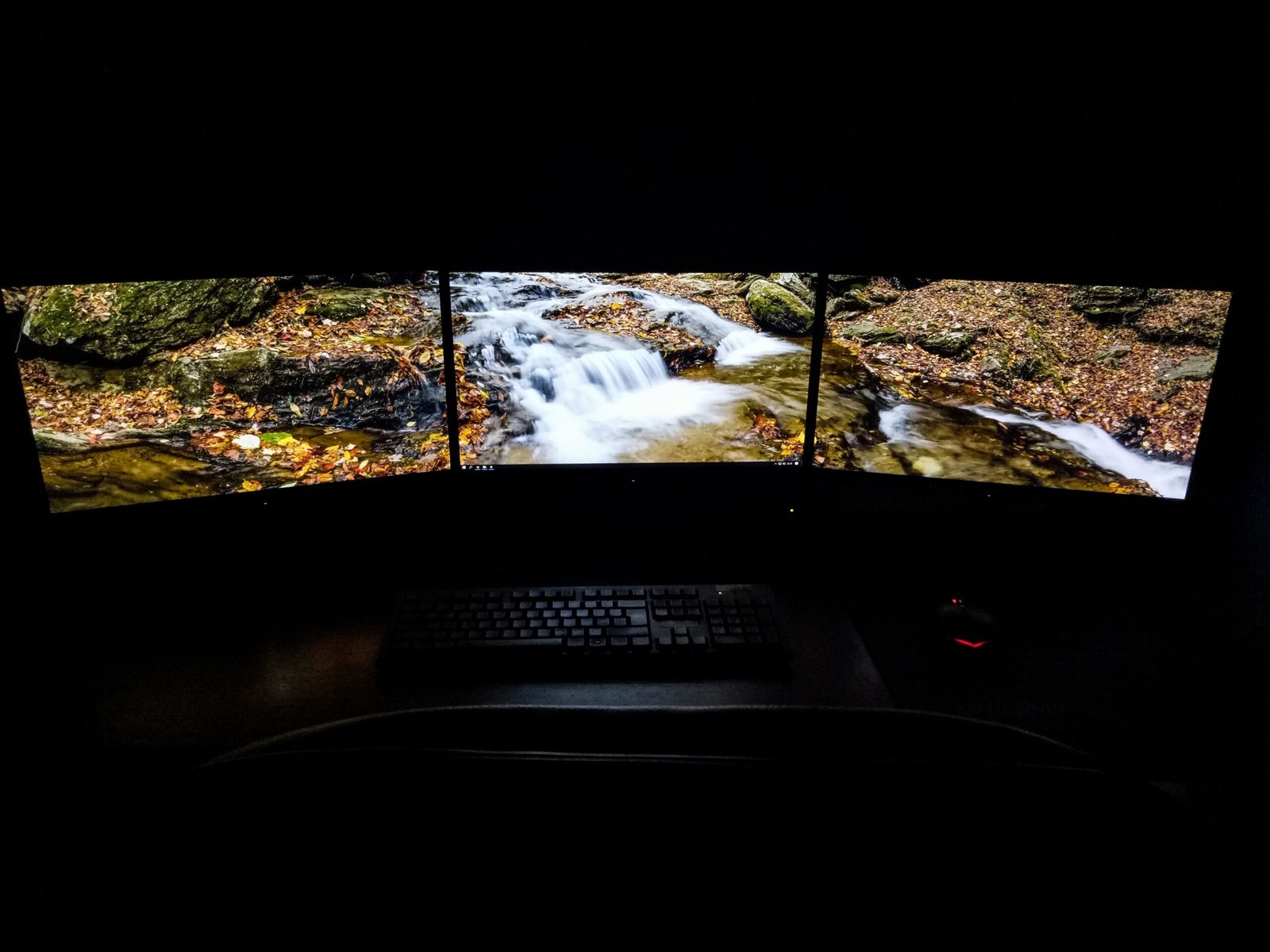
Second Monitor Not Detected in Windows? 7 Fixes That Work (2026)
Second monitor not detected in Windows? Press Win+P, select Extend — fixes 40% of cases. Seven more fixes covering cables, drivers, and USB-C video limitations.
 Best Picks
Best Monitor Arm 2026: 5 Ranked by Data
We researched five monitor arms across gas-spring, mechanical, single, and dual configurations to find the best monitor arm 2026. Ergotron LX Dual wins with a 9.0/10 score. Includes comparison table and UK/US pricing for all 5 picks.
 Guides
IPS vs VA vs OLED for Work: Which Panel Is Best for Your Eyes?
IPS vs VA vs OLED for work: tested side-by-side at 27-inch 4K. Panel type comparison covering text clarity, eye strain, and which is best for office productivity.
 Guides
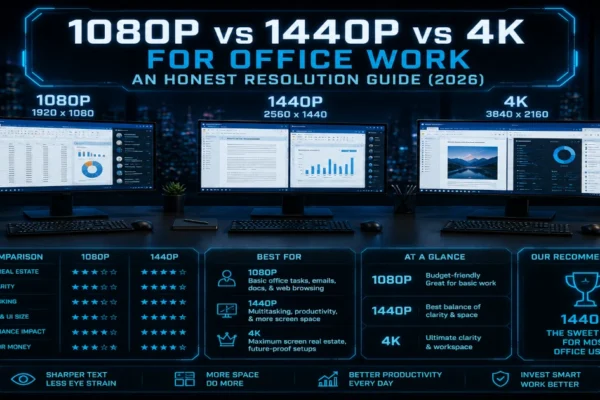
1080p vs 1440p vs 4K for Office Work: An Honest Resolution Guide (2026)
1080p vs 1440p vs 4K for office work: tested all three resolutions for six months each. 1440p is the sweet spot — real clarity and screen space numbers.
 Guides
Ultrawide vs Dual Monitors: The Honest Verdict for Home Office (2026)
Ultrawide vs dual monitors: tested a 49-inch ultrawide against dual 4K screens for over a year. Honest comparison covering productivity, ergonomics, and cost.