Guides
Eight specialist authors. Six domains. Every guide is written by the researcher who knows that category best — monitors by display specialists, docks by connectivity experts, keyboards by input device reviewers. No generalists writing about gear they’ve never touched.
 Ergonomics
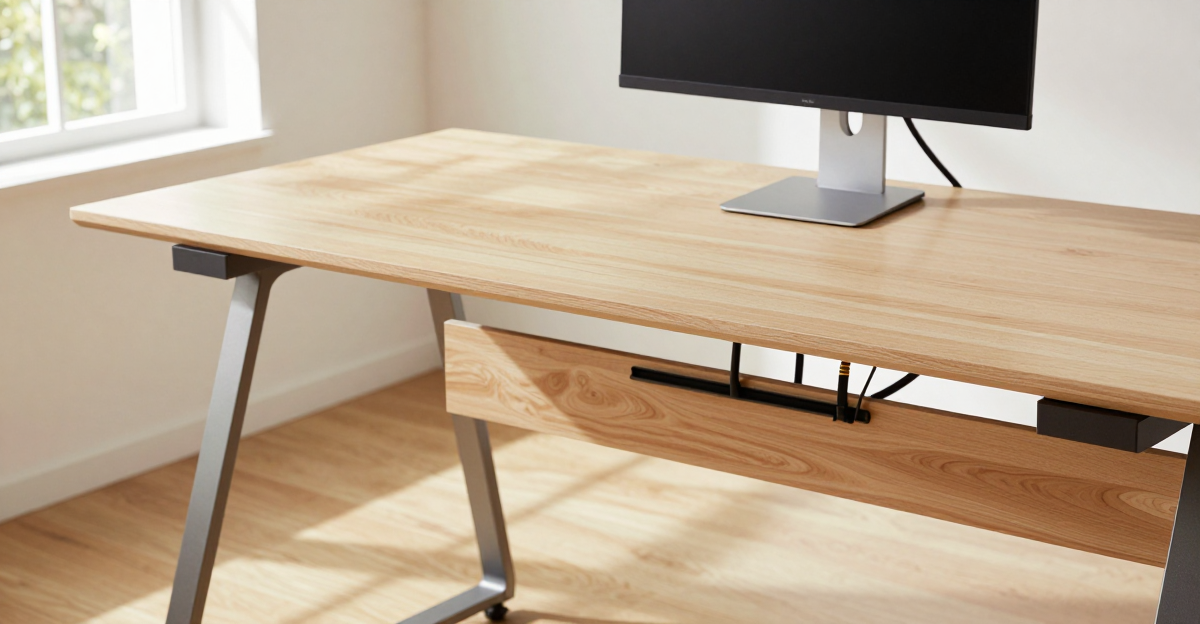
Desk Cable Mess Ruining Your Setup? 5 Fixes That Take 30 Minutes (2026)
Desk cable mess ruining your setup? 5 fixes that take 30 minutes. Power strip placement, Velcro bundling, and standing desk cable management that actually stays tidy.
 Ergonomics
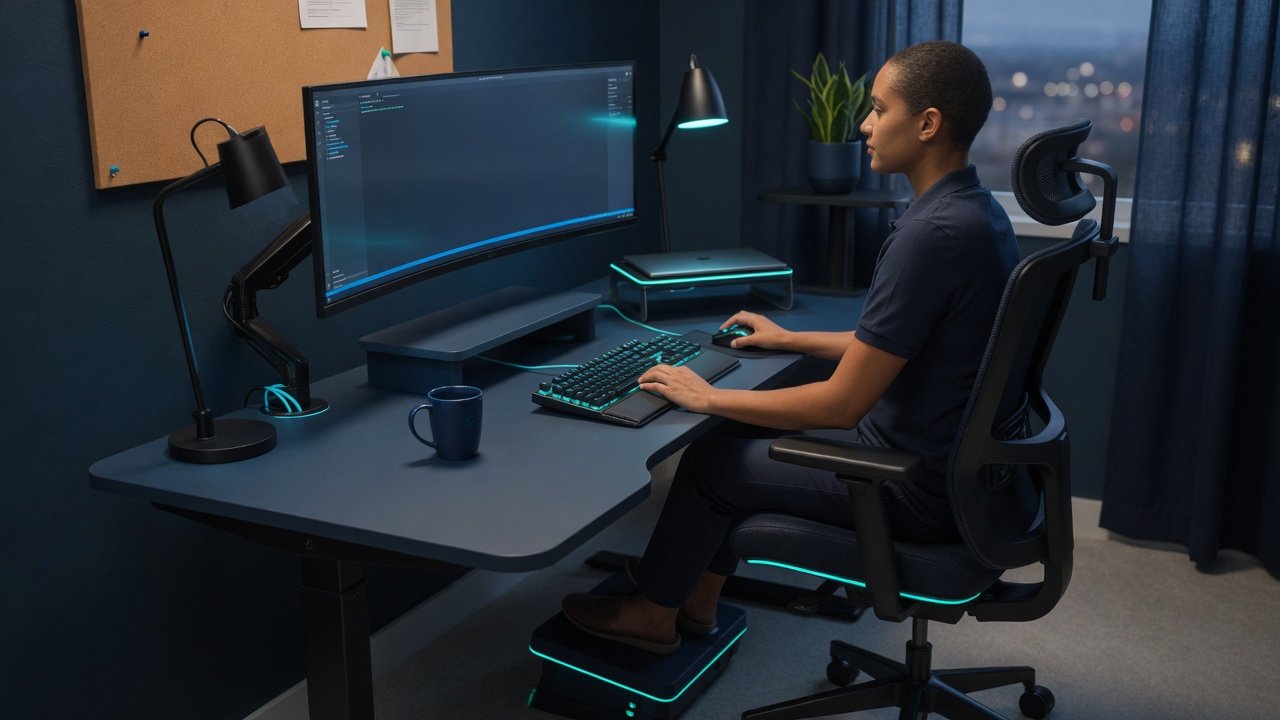
Ergonomic Home Office Setup: What Actually Fixes Desk Pain (2026)
Ergonomic home office setup: what actually fixes desk pain. Chair height, monitor position, and keyboard angle — evidence-based adjustments that eliminate discomfort.
 Guides
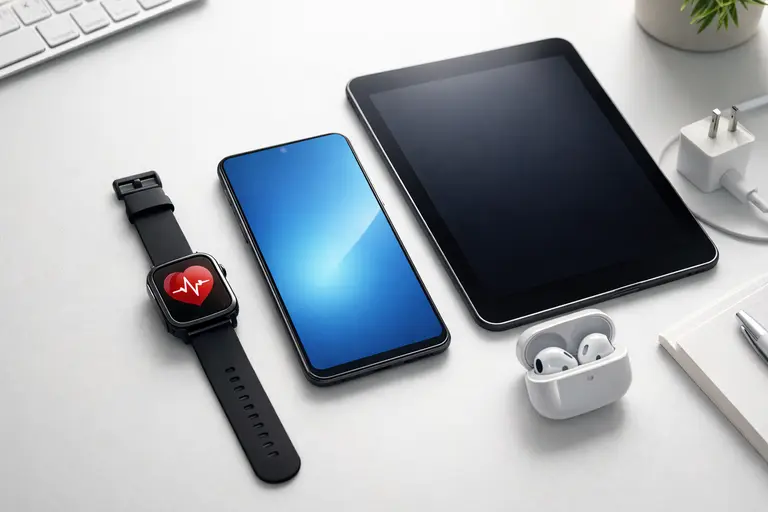
Mobile Device Setup Guide: 10 Fixes I Use on Every Phone (2026)
Mobile device setup guide: 10 fixes for every new phone. Security settings, privacy protections, and notification management in one practical checklist.
 Ergonomics
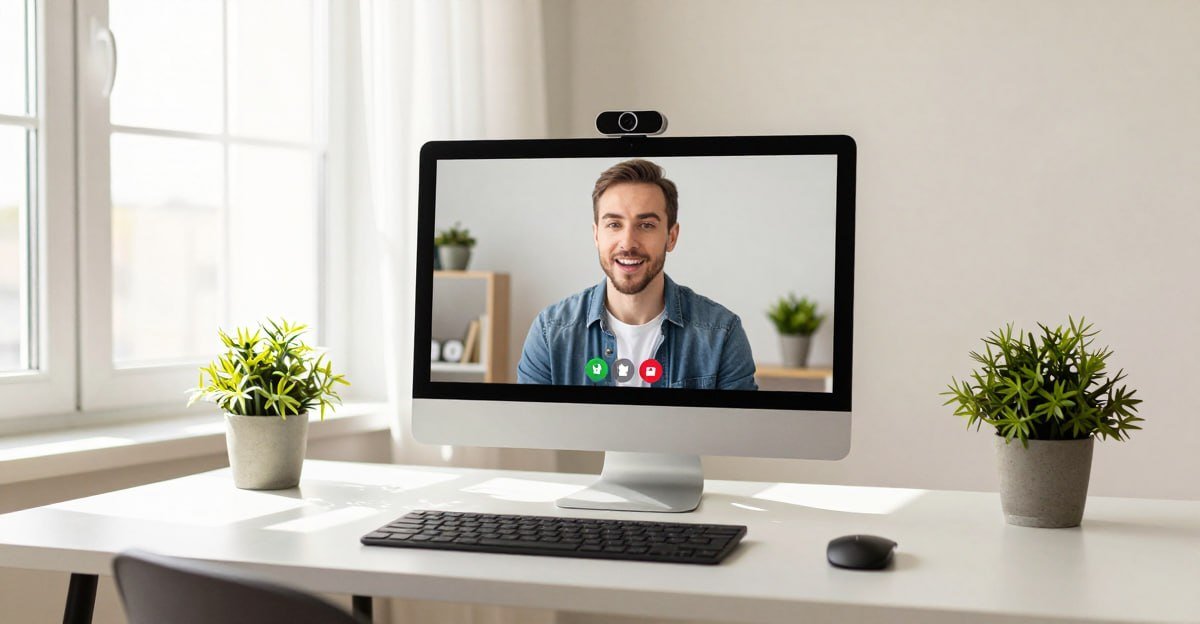
Webcam Looks Bad on Zoom/Teams? 7 Fixes That Actually Work (2026)
Webcam looks bad on Zoom or Teams? 7 fixes that actually work. Lighting, camera settings, software optimizations, and the best budget webcam upgrades for remote work.
 Guides
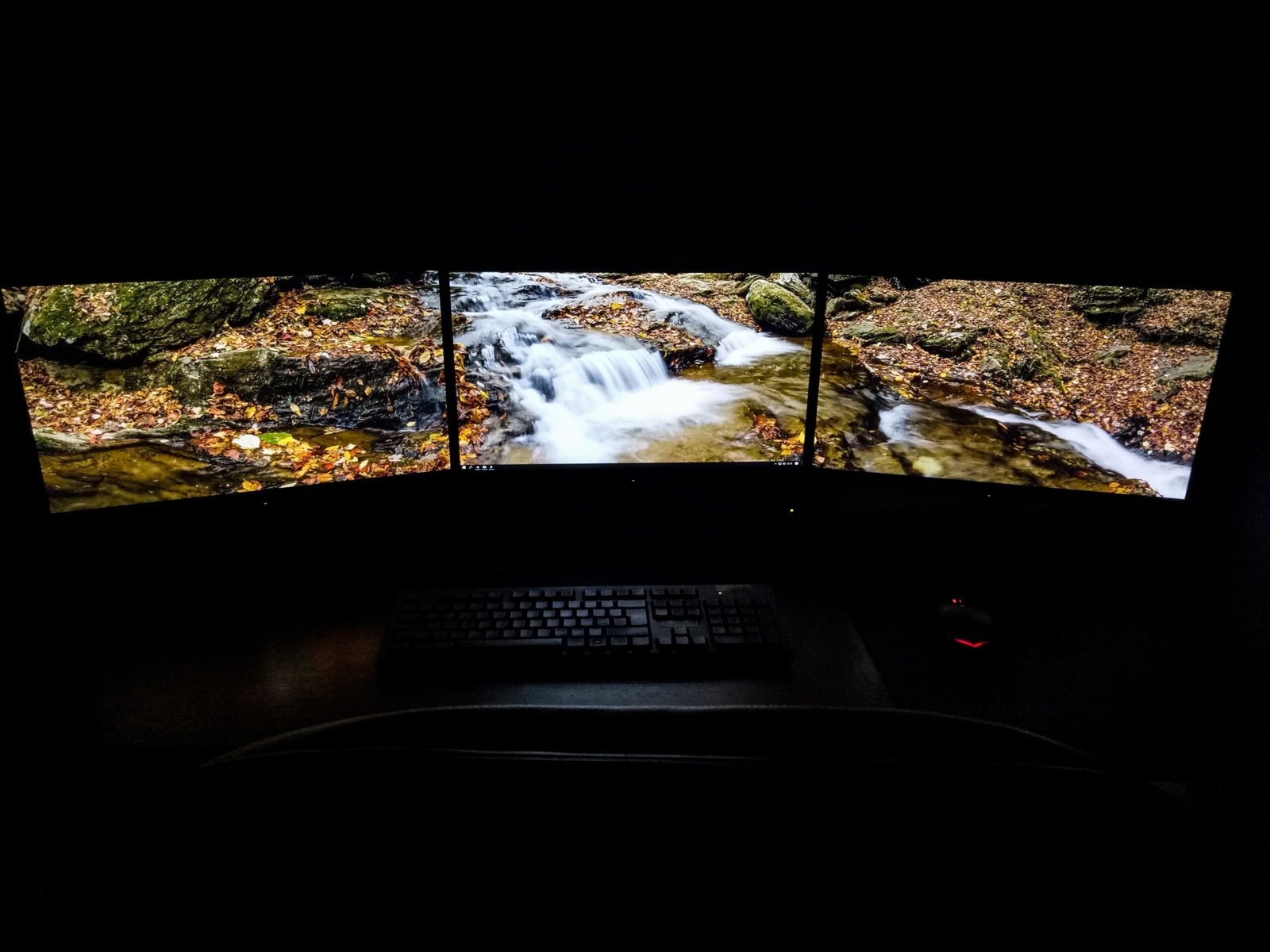
Second Monitor Not Detected in Windows? 7 Fixes That Work (2026)
Second monitor not detected in Windows? Press Win+P, select Extend — fixes 40% of cases. Seven more fixes covering cables, drivers, and USB-C video limitations.
 Ergonomics
Best Home Office Setup 2026: Complete Workspace Guide
Home office setup 2026: the complete workspace guide. Chair, monitor, keyboard, and mouse — the four things that solve 90% of comfort and productivity problems.
 Guides
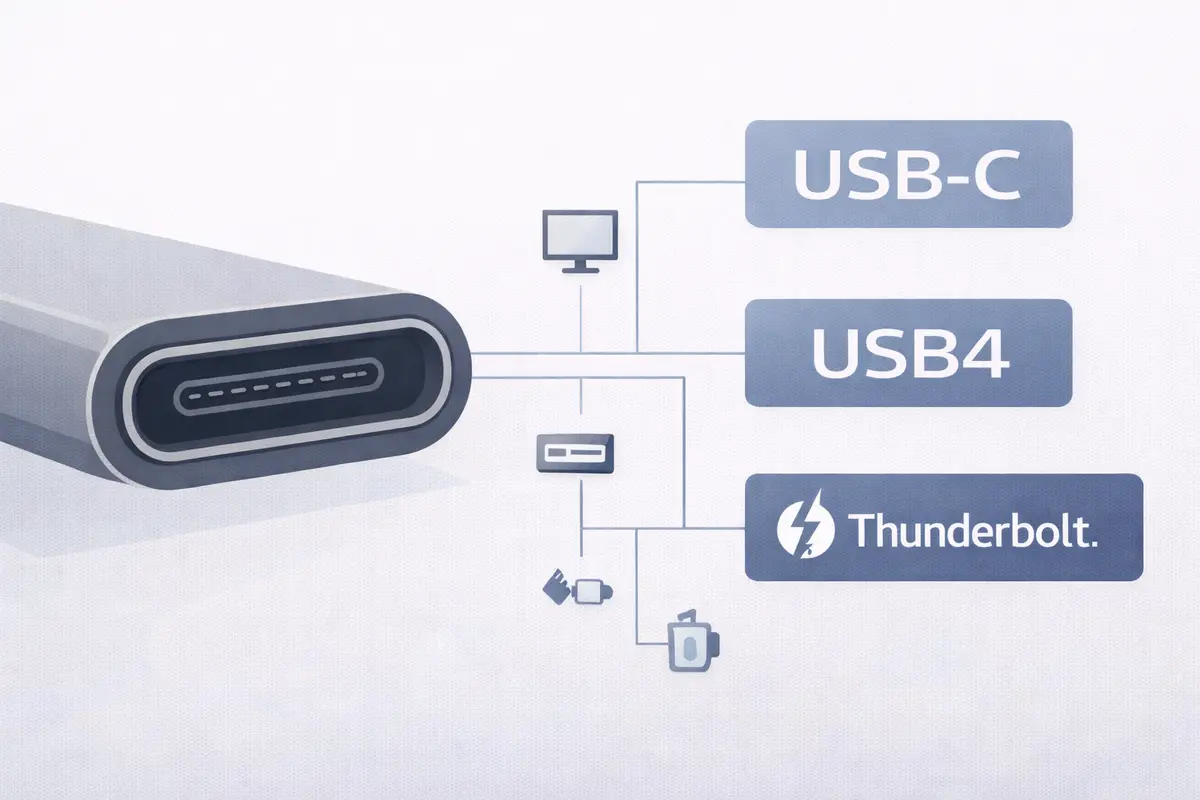
Thunderbolt vs USB4 vs USB-C: What the Labels Actually Mean in 2026
Thunderbolt vs USB4 vs USB-C explained: what the labels actually mean in 2026. Bandwidth, compatibility, and which standard delivers real performance.
 Guides
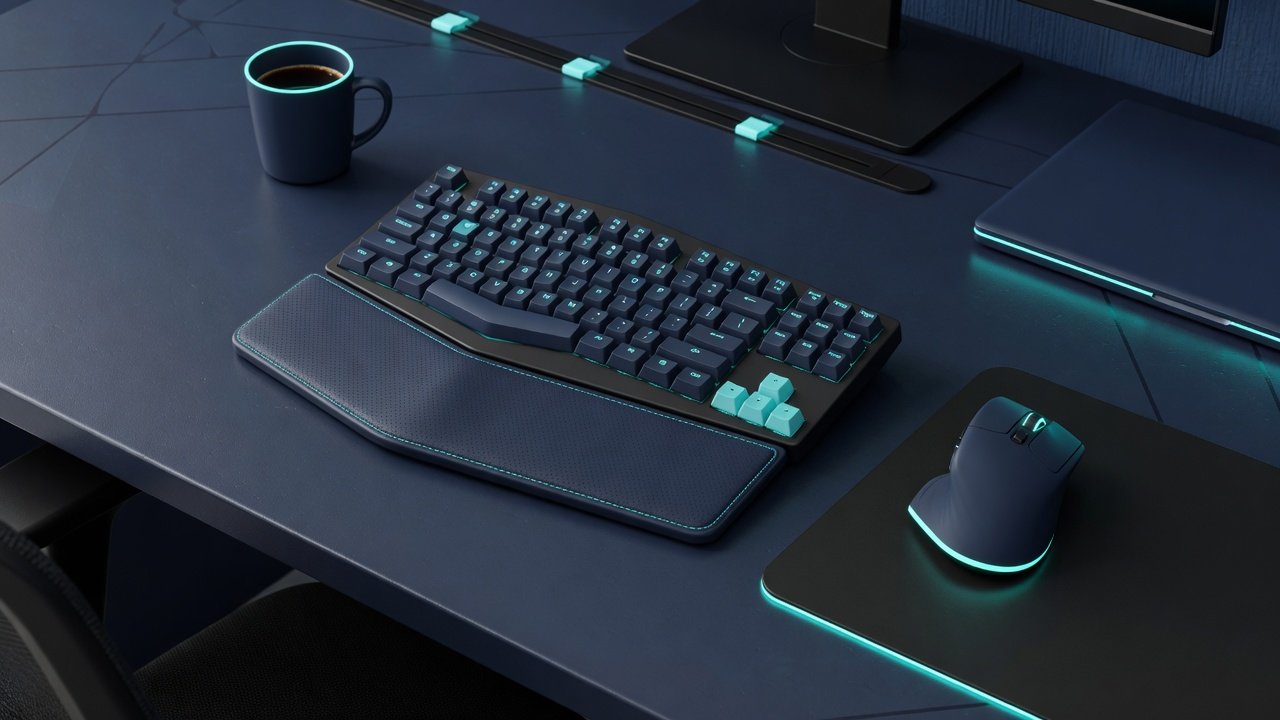
Keyboard and Mouse Setup Guide: 12 Tested Combos That Fixed My Pain
Keyboard and mouse setup guide: 12 tested combos for ergonomic comfort and productivity. Low-profile keyboards, split designs, and vertical mice reviewed.
 Guides
IPS vs VA vs OLED for Work: Which Panel Is Best for Your Eyes?
IPS vs VA vs OLED for work: tested side-by-side at 27-inch 4K. Panel type comparison covering text clarity, eye strain, and which is best for office productivity.
 Guides
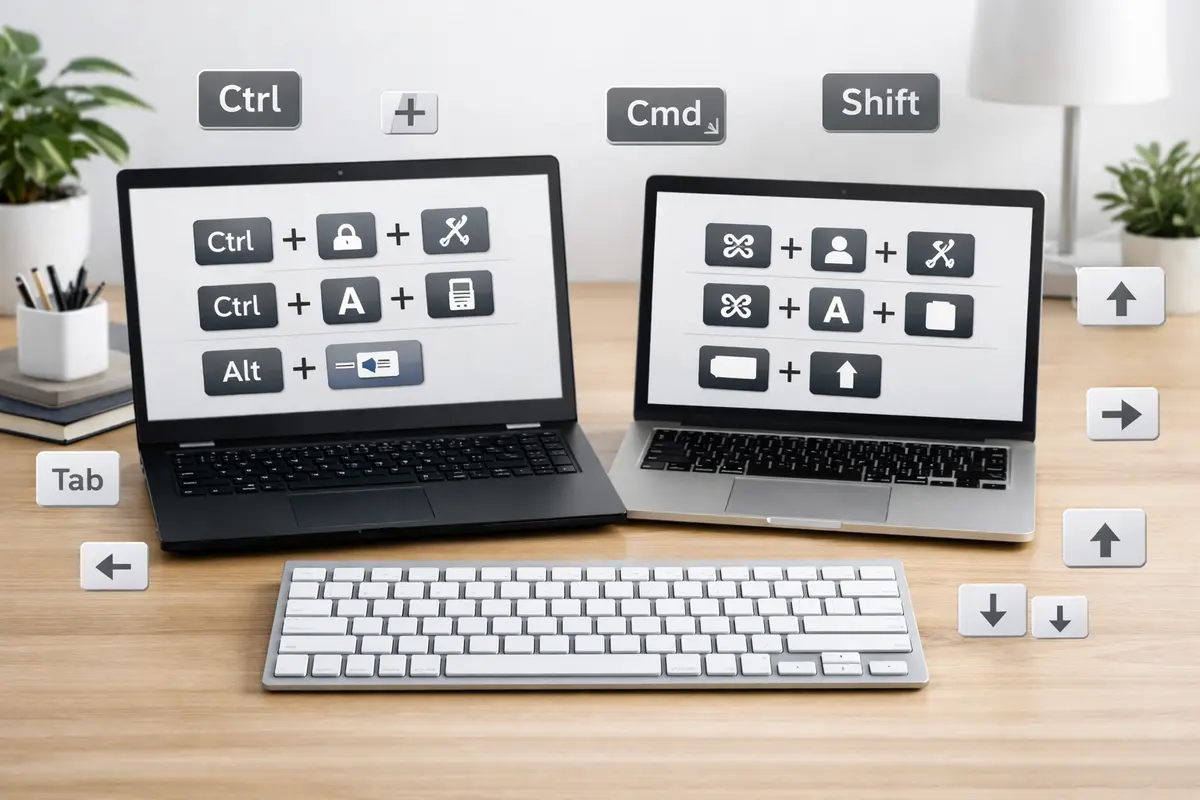
Best Keyboard Shortcuts for Productivity 2026: 15 That Save Real Time
Best keyboard shortcuts for productivity: 15 Windows and Mac combos that save real time on copy-paste, app switching, browser navigation, and screenshots.