Guides
Eight specialist authors. Six domains. Every guide is written by the researcher who knows that category best — monitors by display specialists, docks by connectivity experts, keyboards by input device reviewers. No generalists writing about gear they’ve never touched.
 Guides
Mouse Macros for Daily Efficiency: Automate the Repetitive Stuff (2026)
Mouse macros for daily efficiency: automate repetitive tasks like window resizing and text pasting. Logitech G604 setups that save real time every day.
 Guides
Mac Mouse Gestures for Productivity: The Complete Guide (2026)
Mac mouse gestures for productivity: replace half your daily keyboard shortcuts with Mission Control, app switching, and screenshot gesture mappings.
 Guides
Keyboard Shortcuts to Reduce Mouse Strain: The Ergonomic Guide (2026)
Keyboard shortcuts to reduce mouse strain: the simplest ergonomic upgrade. Replace repetitive mouse movements causing wrist and shoulder fatigue with key combos.
 Guides
USB Accessories Security Risks: Practical Fixes That Work
USB accessories security risks: practical fixes for cable-based attacks, BadUSB threats, and charger exploits. Protect your devices without making them unusable.
 Docks & Hubs
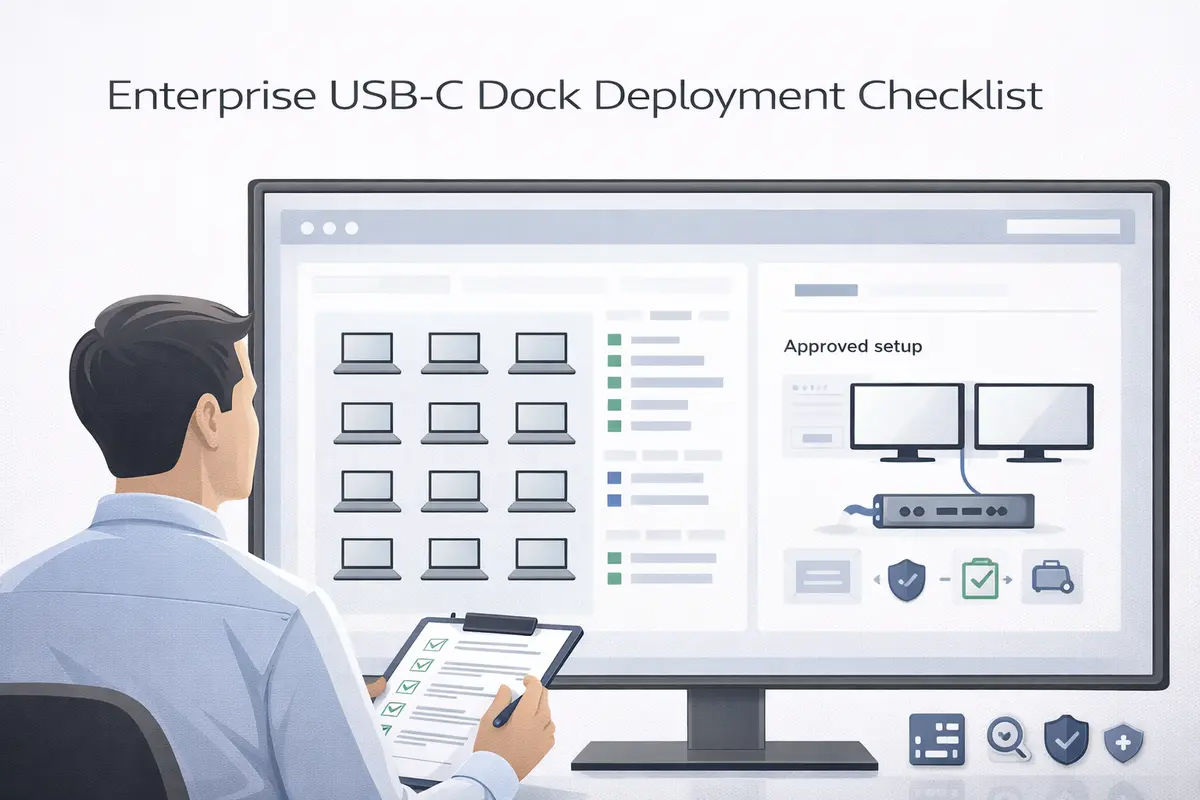
USB-C Dock Deployment Checklist: The Enterprise IT Guide (2026)
USB-C dock deployment checklist: IT guide for rolling out docks across a company. Covers technology matching, driver preparation, and support playbook creation.
 Docks & Hubs
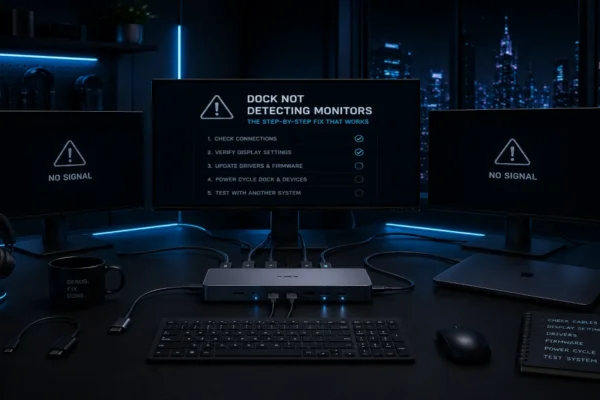
Dock Not Detecting Monitors: The Step-by-Step Fix That Works (2026)
Dock not detecting monitors: step-by-step fix that works. Covers cable issues, driver updates, USB-C port video support, and EDID handshake problems.
 Docks & Hubs
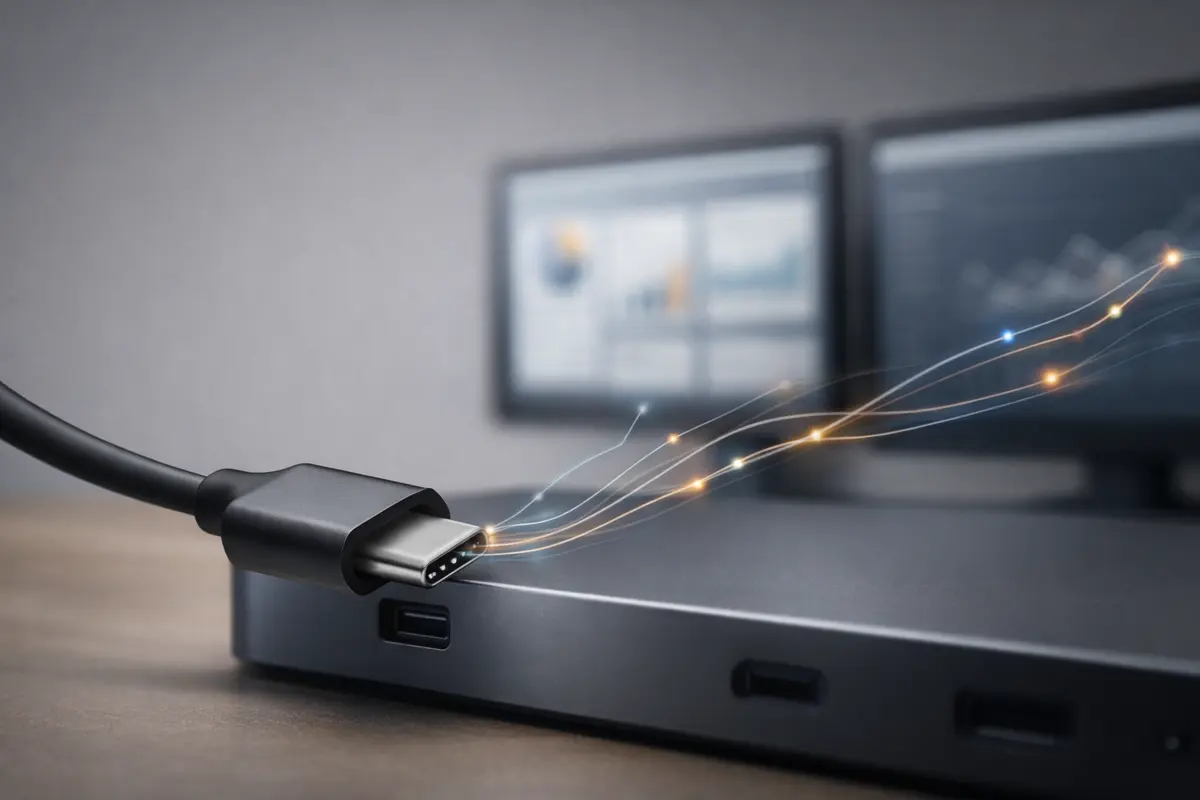
Dual Monitors Over USB-C: The Brutal Truth About What Actually Works
Dual monitors over USB-C: tested across Dell XPS, MacBook Pro M4, and ThinkPad. Which docks work and which configurations avoid the common compatibility traps.
 Docks & Hubs
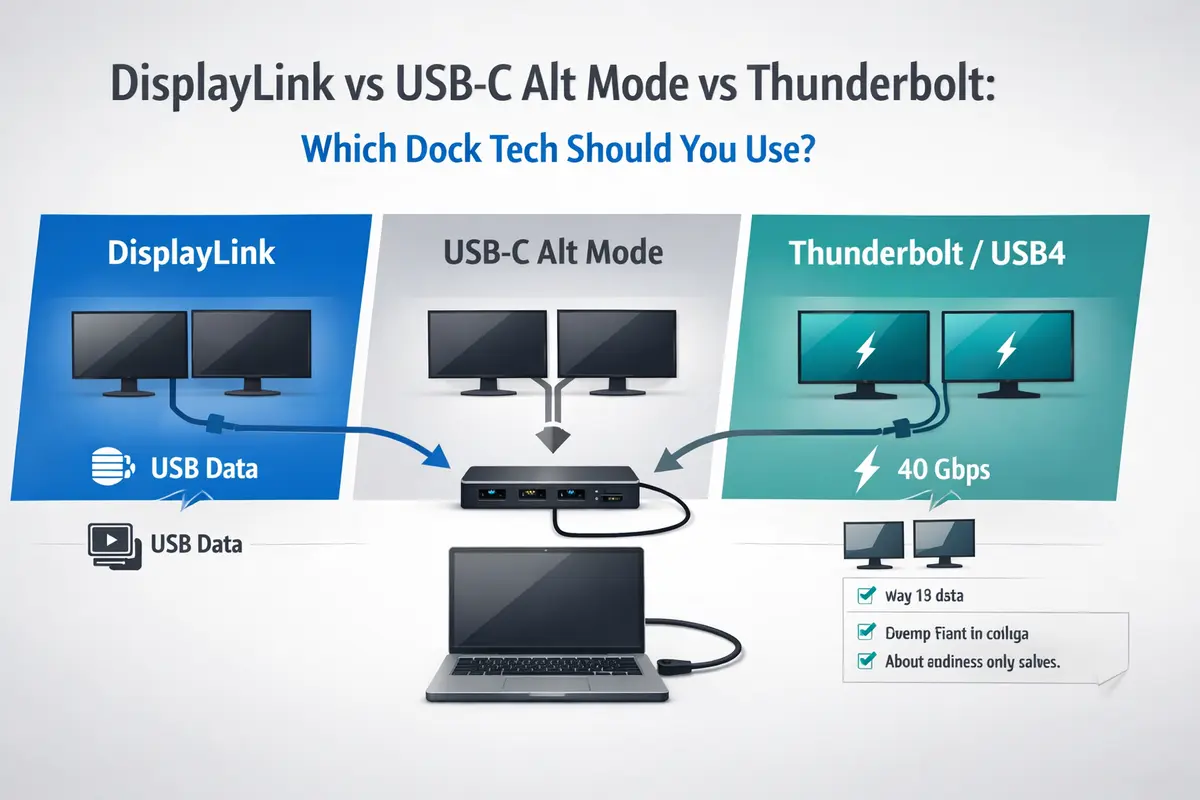
DisplayLink vs USB-C Alt Mode vs Thunderbolt: The Honest Answer
DisplayLink vs USB-C Alt Mode vs Thunderbolt: tested across Dell XPS, MacBook Pro M4, and ThinkPad. Which dock technology your laptop actually needs.
 Guides
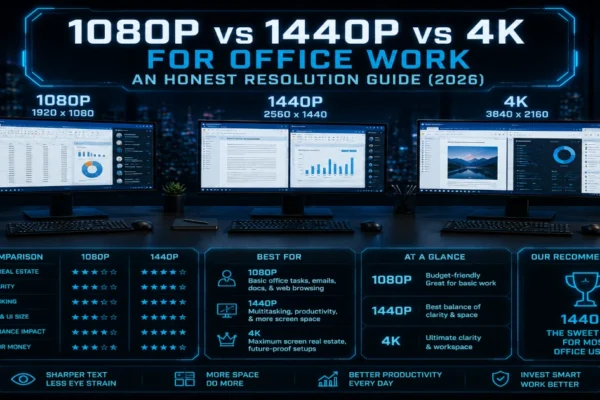
1080p vs 1440p vs 4K for Office Work: An Honest Resolution Guide (2026)
1080p vs 1440p vs 4K for office work: tested all three resolutions for six months each. 1440p is the sweet spot — real clarity and screen space numbers.
 Guides
Ultrawide vs Dual Monitors: The Honest Verdict for Home Office (2026)
Ultrawide vs dual monitors: tested a 49-inch ultrawide against dual 4K screens for over a year. Honest comparison covering productivity, ergonomics, and cost.