Guides
Eight specialist authors. Six domains. Every guide is written by the researcher who knows that category best — monitors by display specialists, docks by connectivity experts, keyboards by input device reviewers. No generalists writing about gear they’ve never touched.
 Docks & Hubs
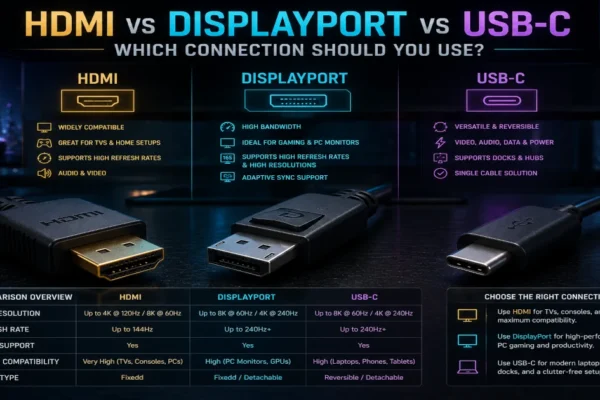
HDMI vs DisplayPort vs USB-C: Which Connection Should You Use?
HDMI vs DisplayPort vs USB-C: practical comparison of bandwidth, refresh rate caps, cable compatibility, and which connection to use for productivity or gaming.
 Guides
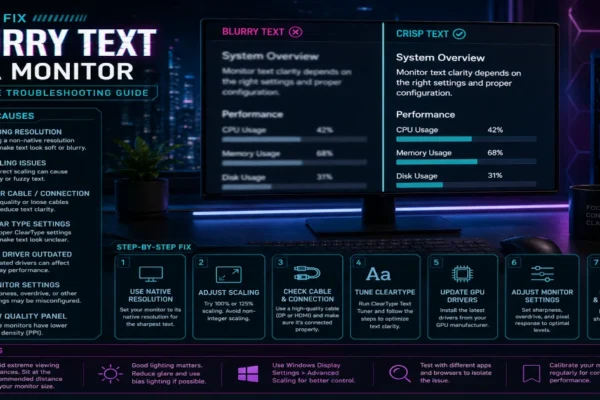
How to Fix Blurry Text on a Monitor: Complete Troubleshooting Guide
How to fix blurry text on a monitor: complete troubleshooting guide covering ClearType, scaling fixes for Windows and macOS, cable issues, and display settings.
 Docks & Hubs
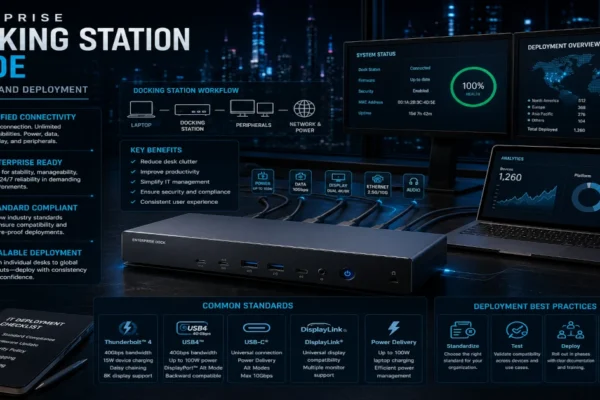
Enterprise Docking Station Guide 2026: TCO Model + Deployment Checklist
Enterprise docking station guide: Thunderbolt vs USB-C standards, bandwidth planning, security hardening, and TCO analysis for IT teams deploying docks at scale.
 Guides
27 vs 32 Inch Monitor for Productivity: Tested, Honest Comparison
27 vs 32 inch monitor for productivity: tested side-by-side for coding, writing, and spreadsheet work. Covers pixel density, scaling, eye strain, and desk fit.
 Guides
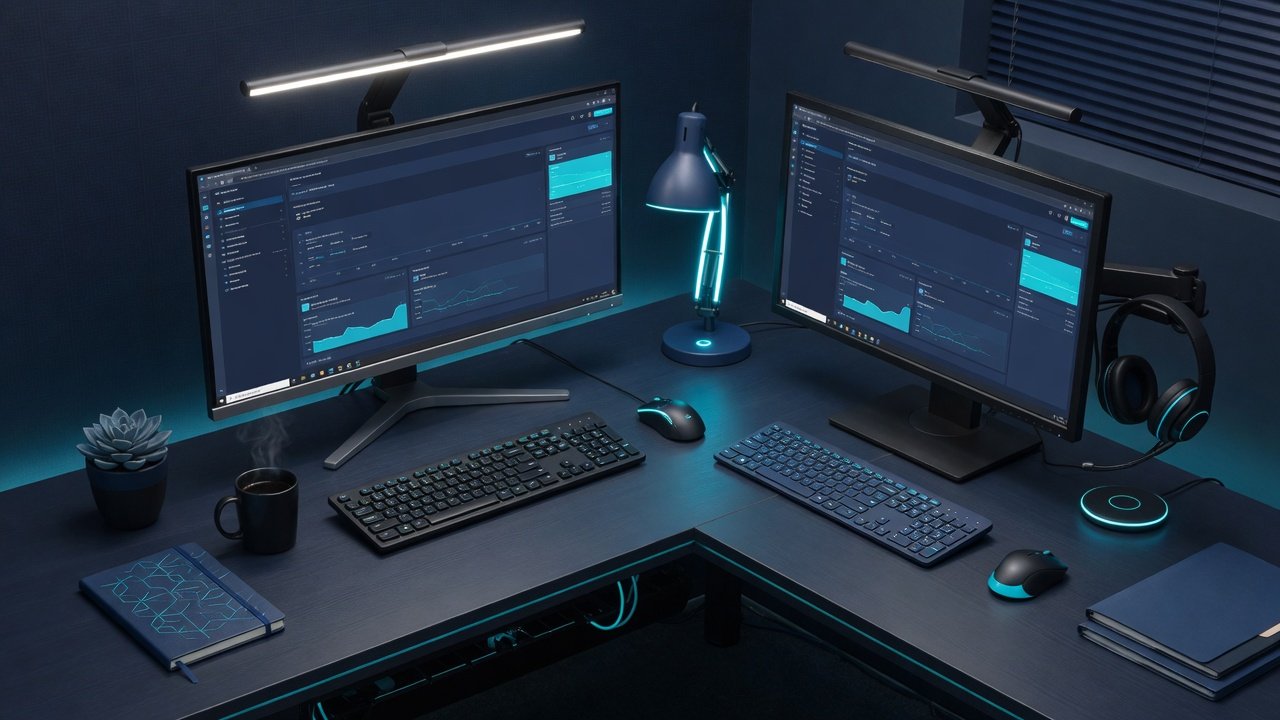
How to Choose a Monitor: Complete Guide for Home Office
How to choose a monitor: resolution, panel type, size, ergonomics, and color accuracy explained. Based on testing 40+ monitors for home office use.
 Guides
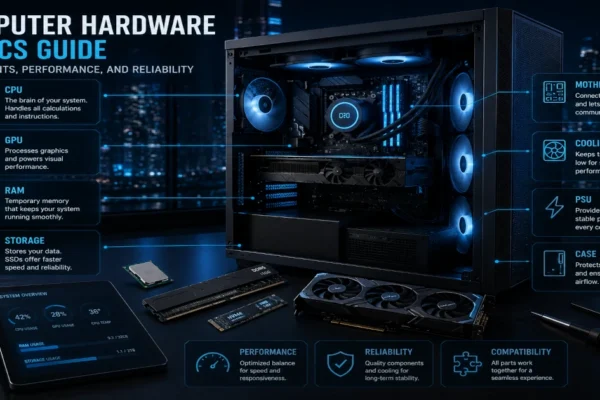
Computer Hardware Basics Guide: Components, Performance, and Reliability
Computer hardware basics guide: CPU, GPU, RAM, storage, and PC components explained. Make smarter buying decisions with this beginner-friendly reference.
 Guides
Software Explained for Beginners: A Complete Plain-English Guide
Software explained for beginners: what software is, how it works, types you use daily, and how to choose the right tools. Plain English, zero jargon.
 Gadgets
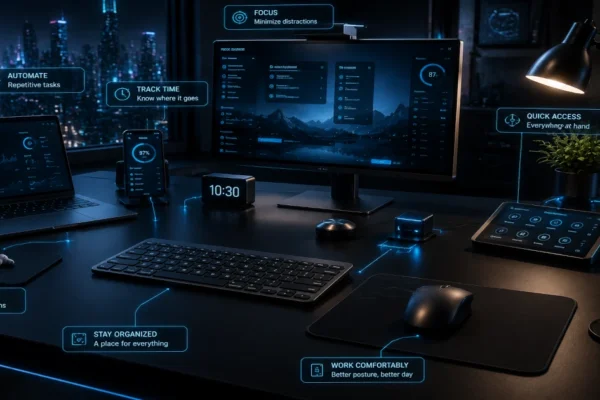
Home Office Gadgets: The Ones That Actually Save Time
Home office gadgets tested across five categories — desk tools, ergonomic upgrades, automation devices, and gear that saves real time.