Productivity Tips
 Guides
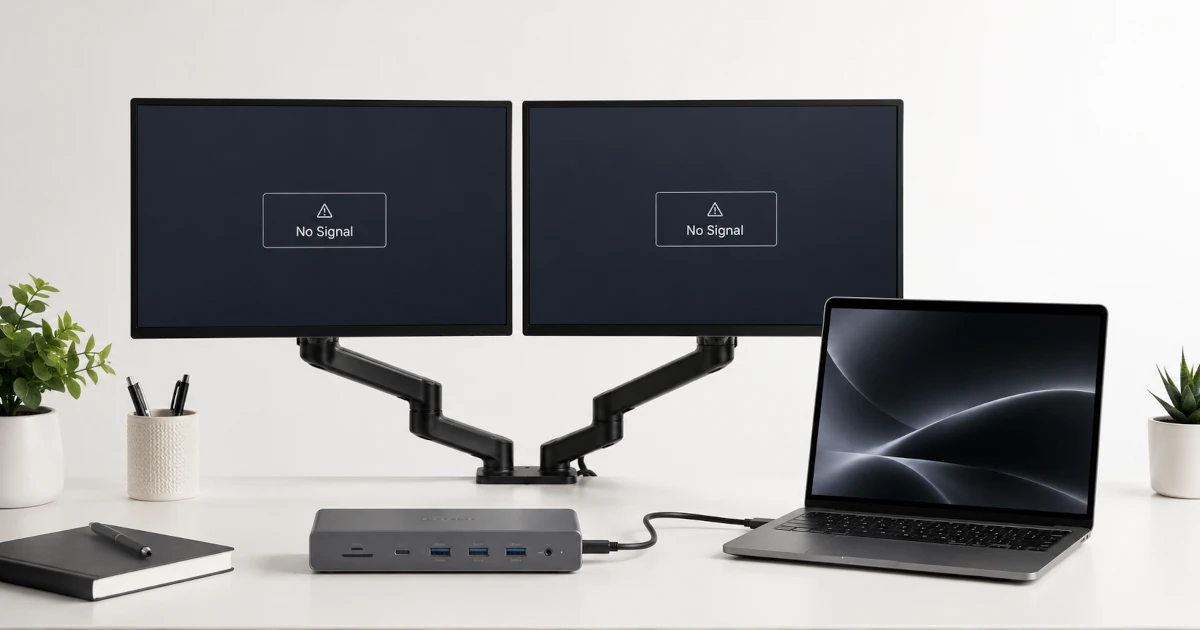
Monitors Not Detected? Docking & Display Fixes (2026)
I have spent over 50 hours chasing down why monitors are not detected through docking stations, and the answer is almost never what the first search result tells you. Your monitors are not detected because of one of five failure points: a broken EDID handshake between the monitor and dock, a driver stack that Windows […]
 Best Picks
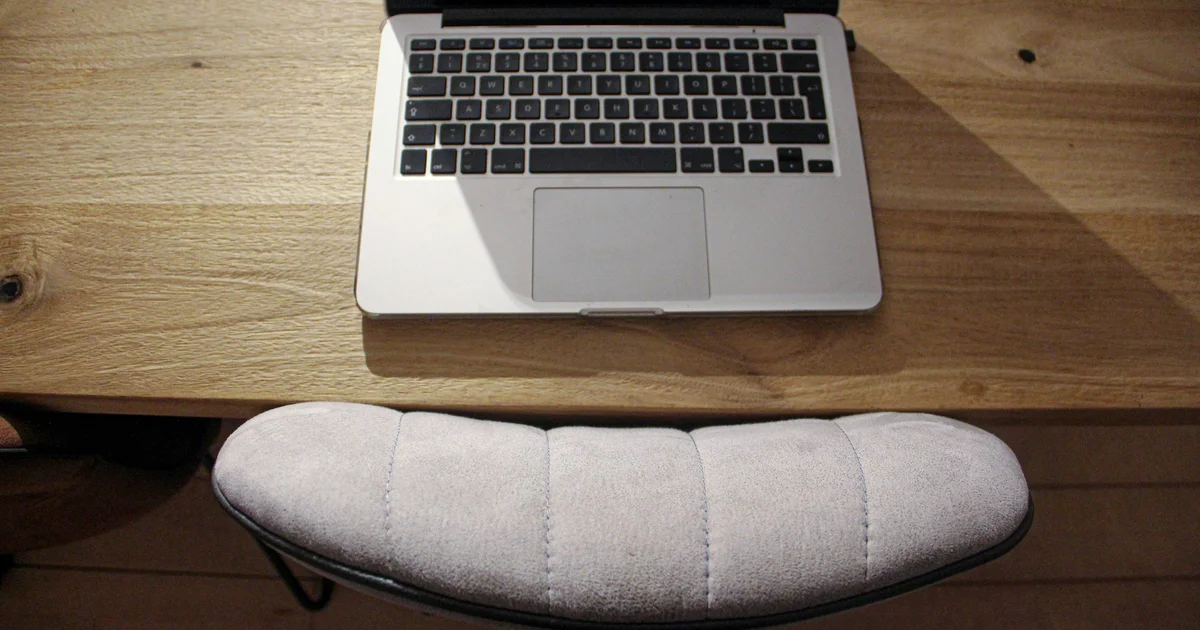
Best Ergonomic Footrest 2026 — Top 5 Under-Desk Picks Tested
Best ergonomic footrest for home offices in 2026 — Finding the right under-desk foot support can mean the difference between finishing your workday with energy or nursing lower back pain. After comparing five of the most recommended ergonomic footrests across every price tier from £22 budget platforms to £120 premium rockers, the Kensington SmartFit SoleMate […]
 Ergonomics
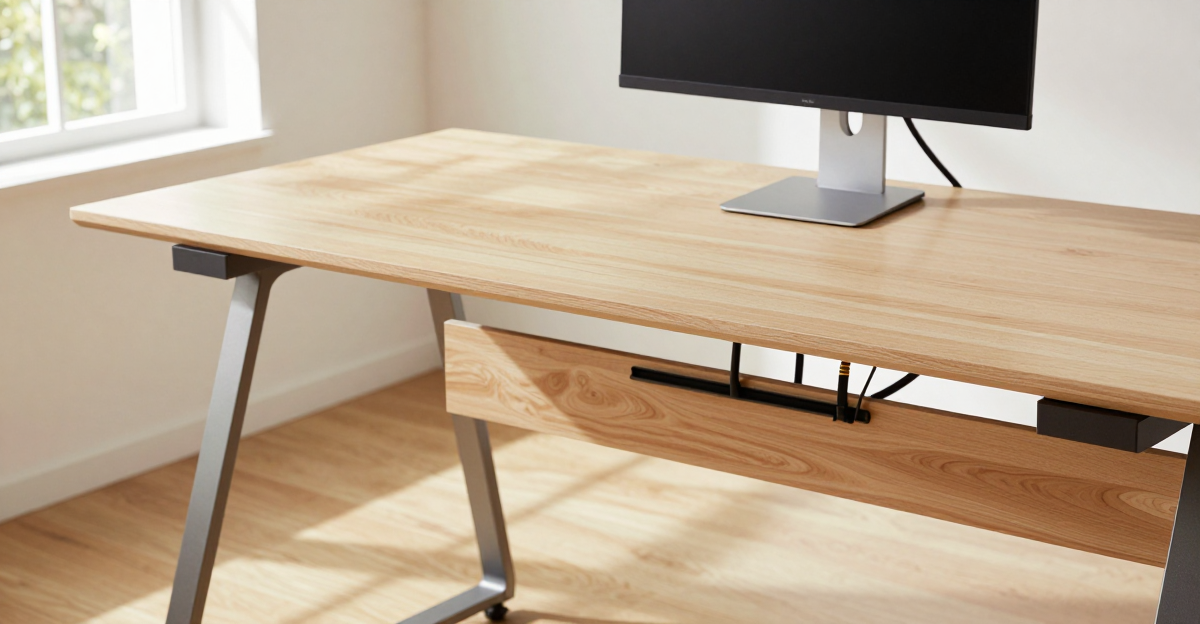
Desk Cable Mess Ruining Your Setup? 5 Fixes That Take 30 Minutes (2026)
You don’t need a bigger desk — you need better cable routing.Most desk cable messes can be fixed in 30 minutes with nothing but velcro ties and a plan. Here’s the exact order: route first, buy products only for the problems that remain.Full step-by-step fixes with product recommendations below. Table of Contents Why Your […]
 Ergonomics
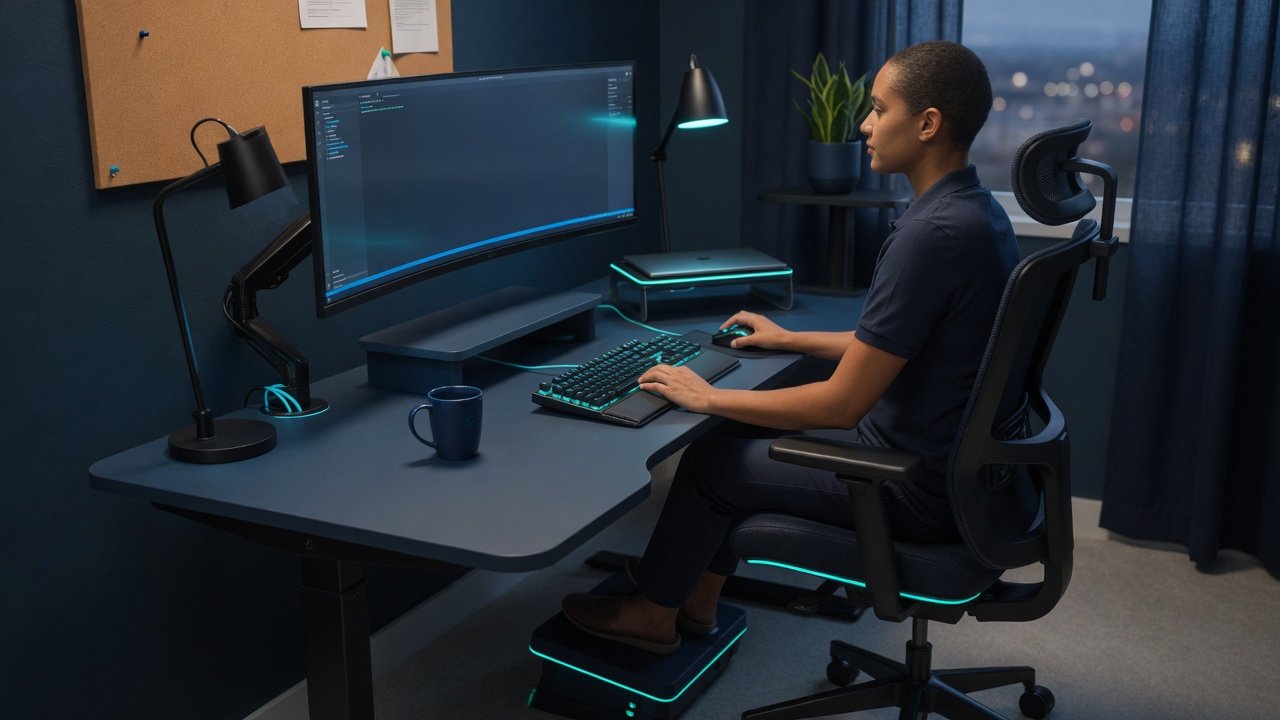
Ergonomic Home Office Setup: What Actually Fixes Desk Pain (2026)
In a hurry? Here’s what actually fixes back pain at your desk: Fix #1 — chair height: thighs parallel to floor, feet flat. Costs nothing. Takes 30 seconds. Fix #2 — monitor height: top of screen at or slightly below eye level. Use books if you have to. Fix #3 — keyboard position: wrists straight, […]
 Ergonomics
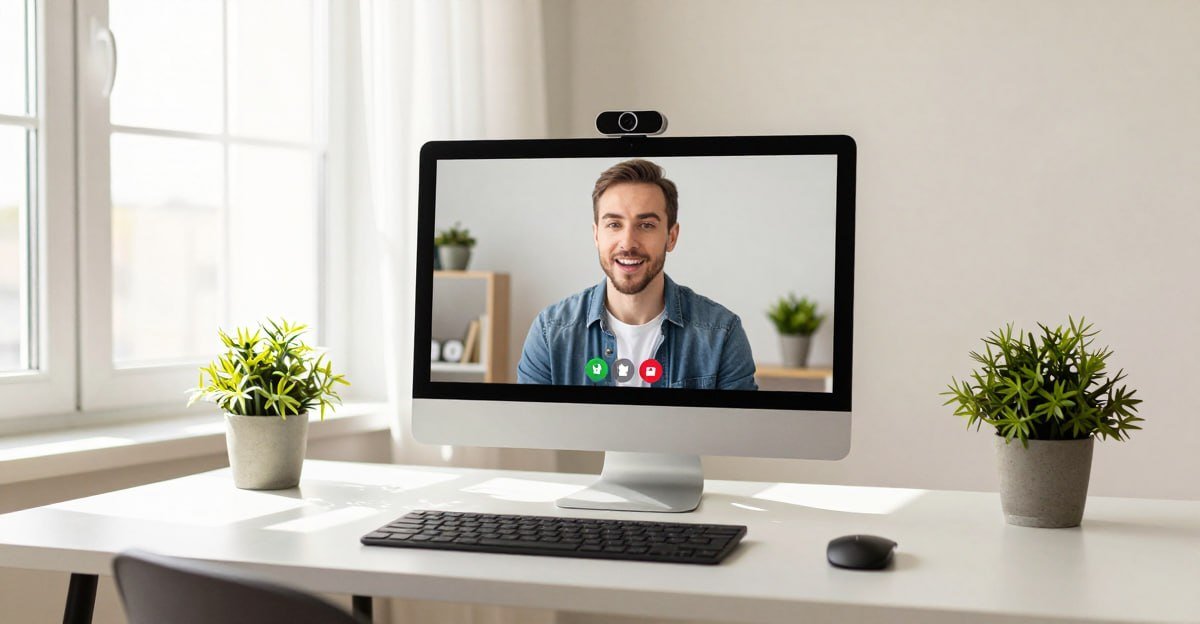
Webcam Looks Bad on Zoom/Teams? 7 Fixes That Actually Work (2026)
Your webcam probably isn’t broken. Bad lighting, wrong settings, or a dirty lens cause 80% of poor video quality. Start with the free fixes below before spending a penny. If they don’t work, I’ve tested the lights and webcams worth buying. Full step-by-step fixes with product recommendations below. Table of Contents Why Your Webcam Looks […]
 Guides
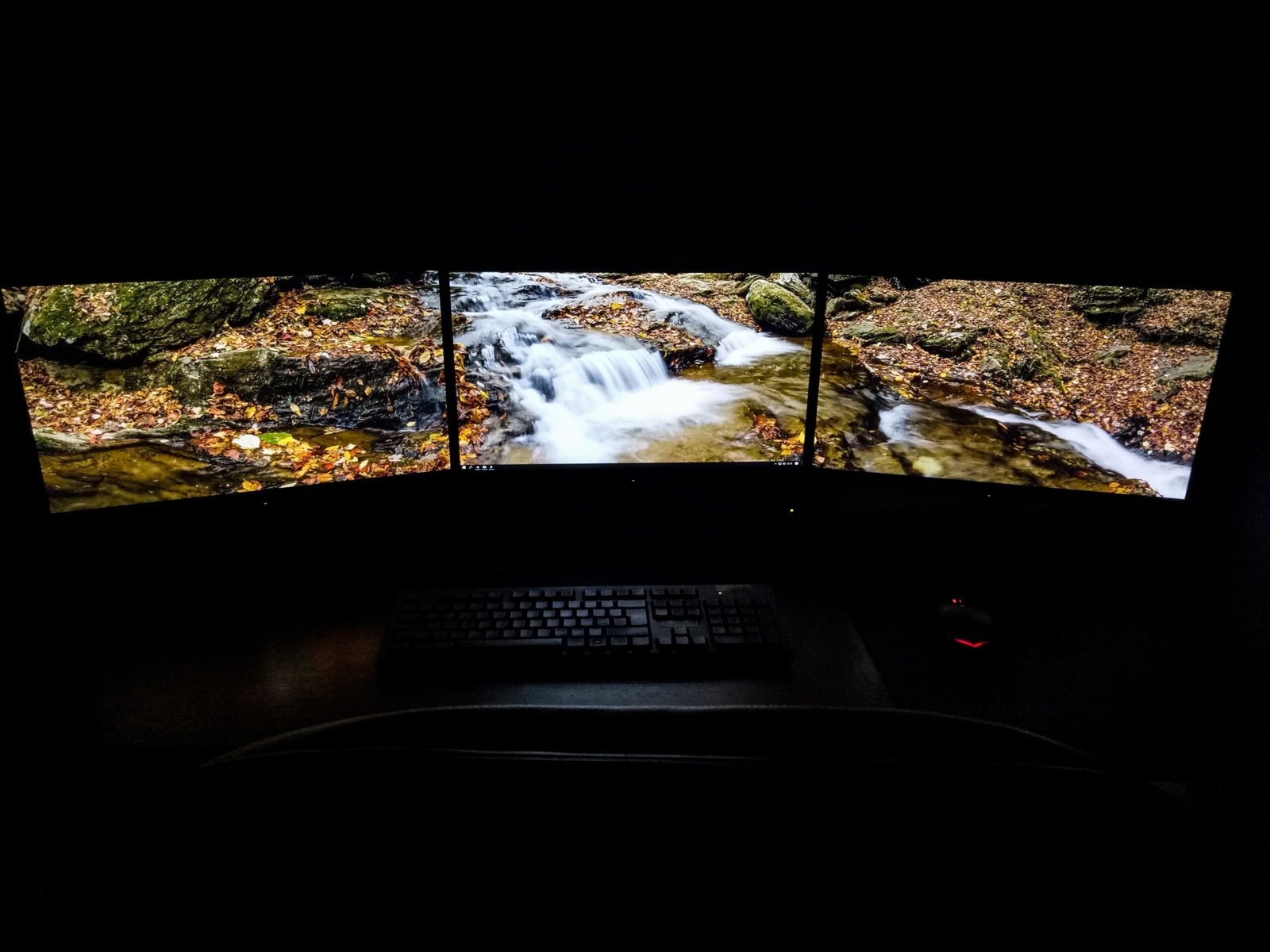
Second Monitor Not Detected in Windows? 7 Fixes That Work (2026)
In a hurry? Here’s the most likely fix: Press Windows Key + P, select “Extend.” This solves ~40% of cases instantly. Still not working? Try a different cable (HDMI or DisplayPort) — a worn cable is the #2 cause. Using a laptop with USB-C? Skip to Fix 7 — your port may not support video […]
 Guides
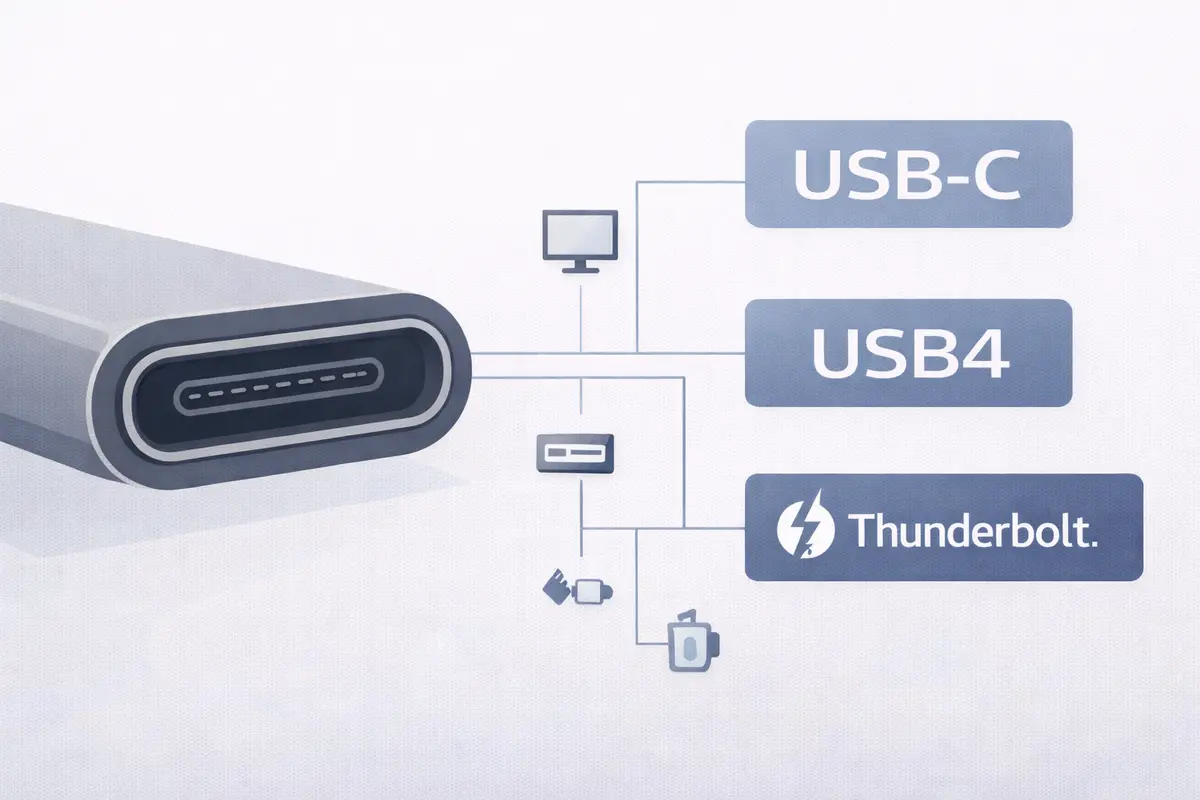
Thunderbolt vs USB4 vs USB-C: What the Labels Actually Mean in 2026
I’ve tested dozens of cables and docks over the years, and the confusion between Thunderbolt vs USB4 vs USB-C still trips up even experienced buyers. My $300 CalDigit TS4 hub connects via both standards, yet many users don’t realize that USB-C is just the physical shape—not a performance promise. Table of Contents Author & technical […]
 Best Picks
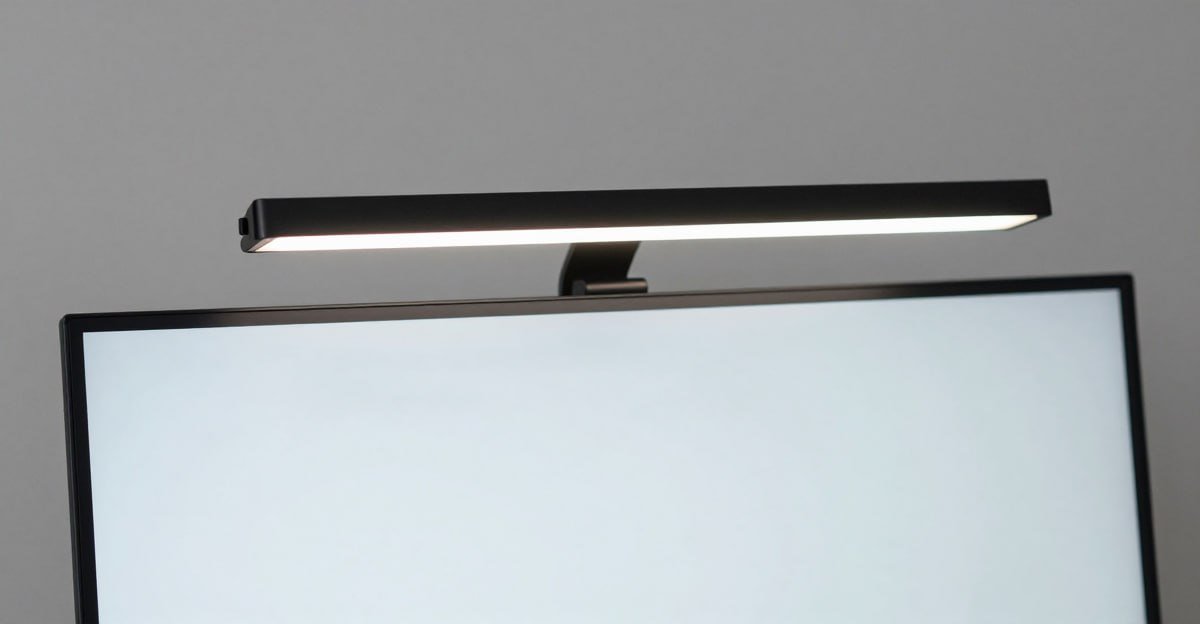
Best Monitor Light Bar 2026: Tested for Eye Comfort and Desk Space
UK & US Pricing Mac + Windows Tested 25+ Hours Research I spend 10 to 12 hours a day at my desk, and for years I used a standard desk lamp pointed at the wall to cut glare. It worked — sort of. Then I tested my first monitor light bar three years ago, and […]
 Best Picks
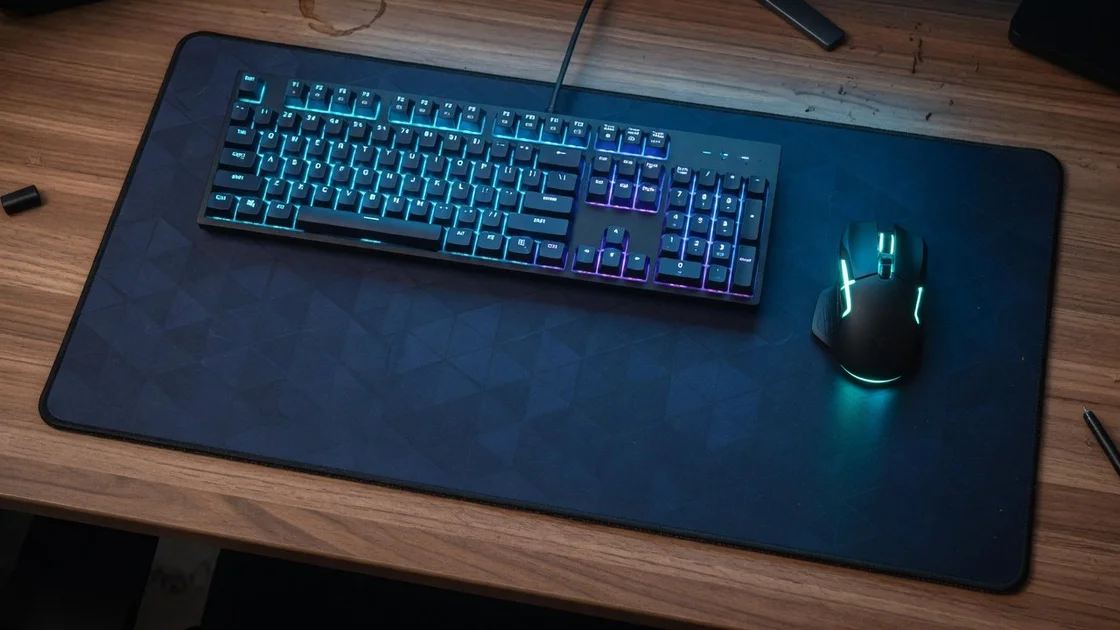
Best Desk Mat 2026: Felt, Neoprene and Leather Pads Tested
UK & US PricingHands-On Tested3 Materials Compared In a hurry? Here are our top picks: Best overall: KTRIO Neoprene Extended Mat: stitched edges, water-resistant, and flawless mouse tracking for £10 / ~$12. Score: 8.8/10. Best professional look: Wolvende Wool Felt Desk Pad: transforms a basic desk into something premium for £65 / ~$80. Score: 8.3/10. […]
 Best Picks
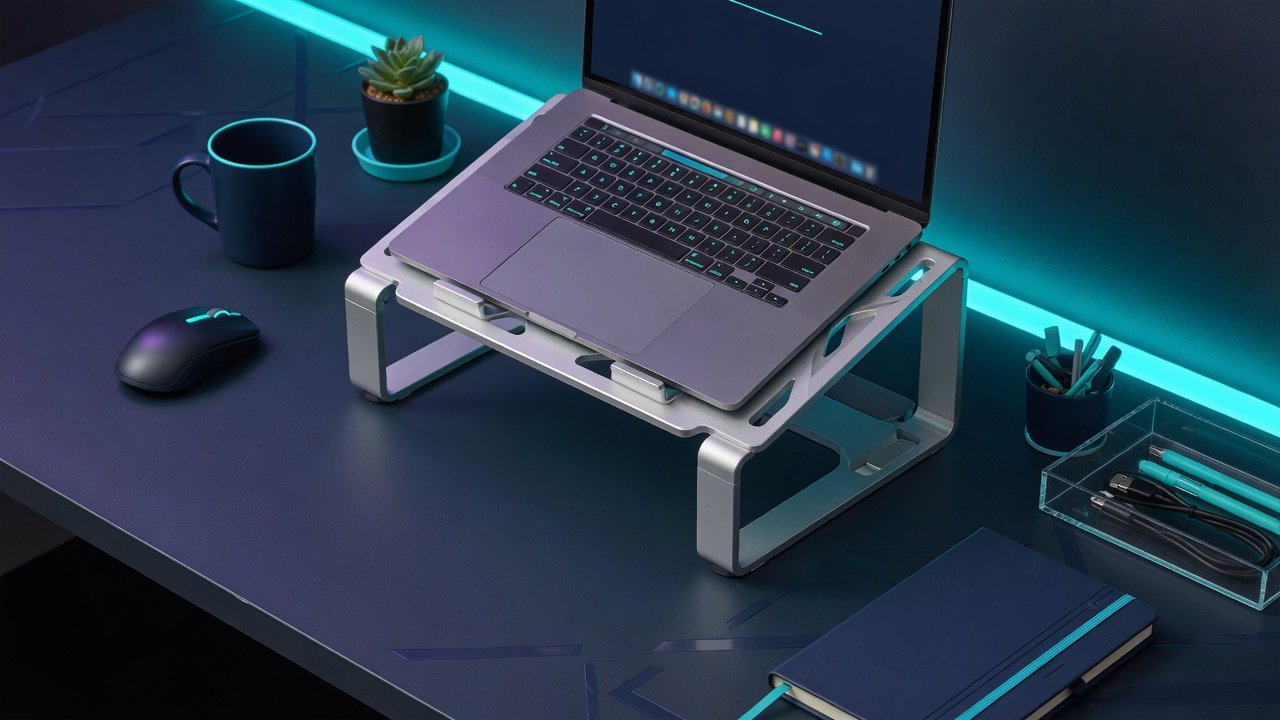
Best Laptop Stand 2026: Ergonomic Adjustable Stands Tested
UK & US PricingMac + Windows Tested30+ Hours Testing A laptop screen sits 8 to 12 inches below eye level on a standard 29-inch desk. That means your neck is bent forward at a 30 to 45 degree angle for hours. I have measured this with my own setup and a simple phone angle app. […]