How To
 Best Picks
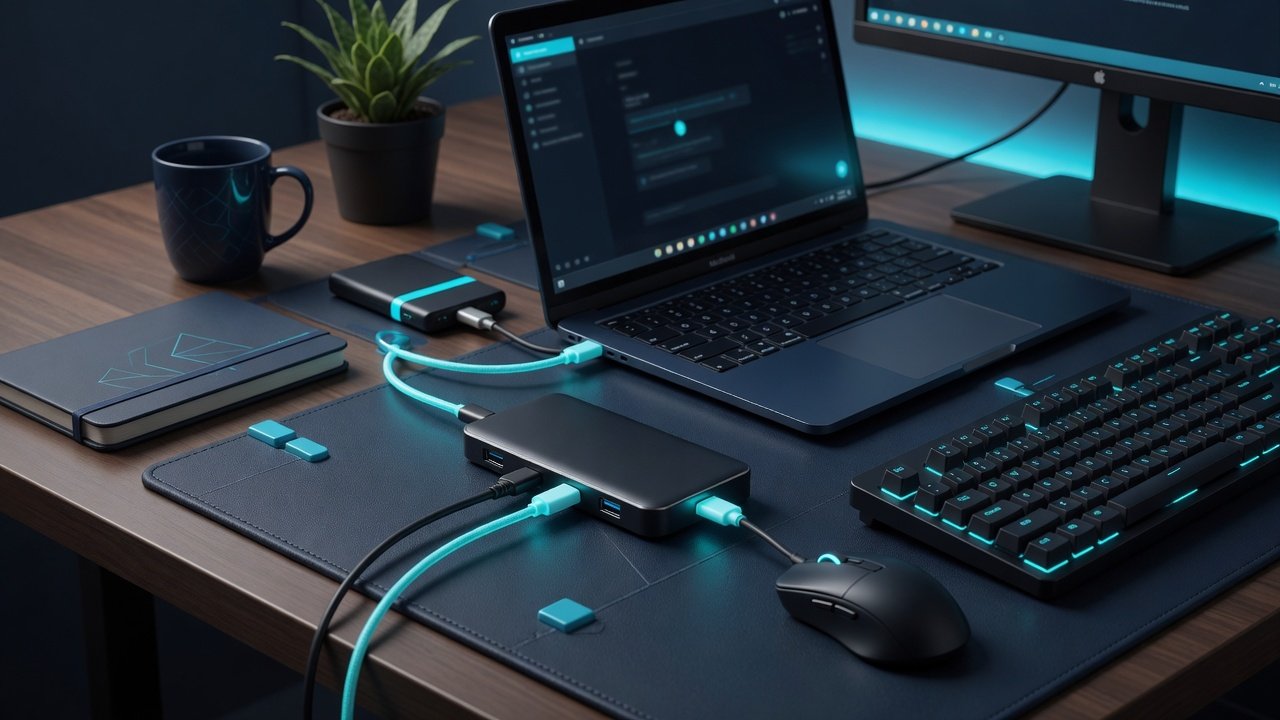
Best USB-C Hub 2026: Tested and Ranked for MacBook and Windows
UK & US Pricing Mac + Windows Tested 30+ Hours Lab Testing I have tested USB-C hubs since 2018, back when calling the category “hit or miss” was generous — half the hubs on Amazon struggled to hold a 4K 30Hz signal, and the concept of passthrough charging that actually delivered the rated wattage was […]
 Guides
IPS vs VA vs OLED for Work: Which Panel Is Best for Your Eyes?
I’ve spent years working across IPS, VA, and OLED monitors, including the Dell U2723QE for IPS and the Samsung Odyssey Neo G8 for VA. After months of testing IPS vs VA vs OLED for work side by side at 27-inch 4K, the answer is clear: panel type has a bigger impact on daily eye comfort […]
 Best Picks
Best Standing Desk 2026: Tested and Ranked for Home Office
UK & US Pricing Mac + Windows Tested Lab-Tested Finding the best standing desk 2026 has to offer means cutting through dozens of options. Sitting for 10 hours a day isn’t working anymore. A standing desk — the kind that moves up and down with a button press, not a hand crank — is one […]
 Guides
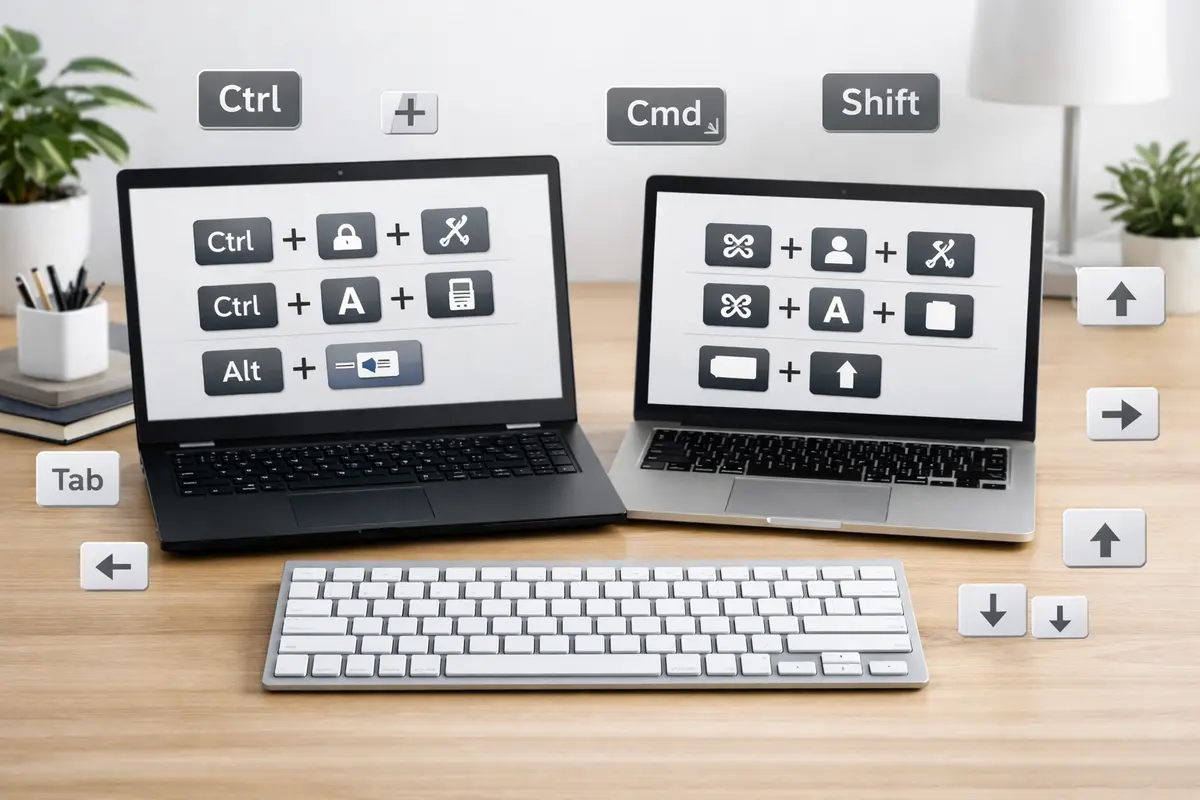
Best Keyboard Shortcuts for Productivity: 15 That Save Real Time
Keyboard shortcuts for productivity — 15 Windows and Mac combos that save real time on everyday tasks. From copy-paste and app switching to browser navigation and screenshots, these are the shortcuts that actually stick after one week of use. Key Takeaways Start with 5 shortcuts, not 50. Copy, paste, undo, search, and app switching cover […]
 Guides
Mouse Macros for Daily Efficiency: Automate the Repetitive Stuff (2026)
Mouse macros for daily efficiency — I’ve spent years tweaking them on my Logitech G604, and it’s now a productivity powerhouse. Instead of endless clicks, I automate repetitive tasks like resizing windows or pasting text snippets with a single button press. This guide covers the exact setups that save me real time every day. Table […]
 Guides
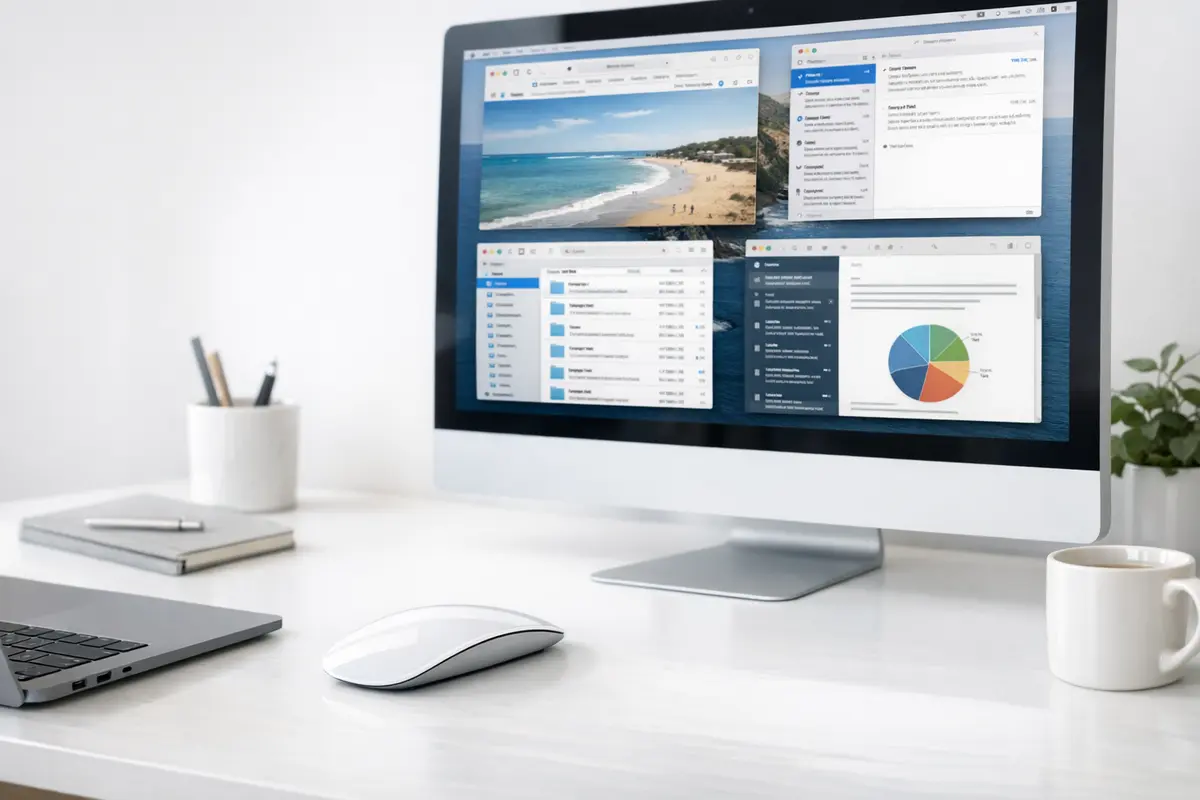
Mac Mouse Gestures for Productivity: The Complete Guide (2026)
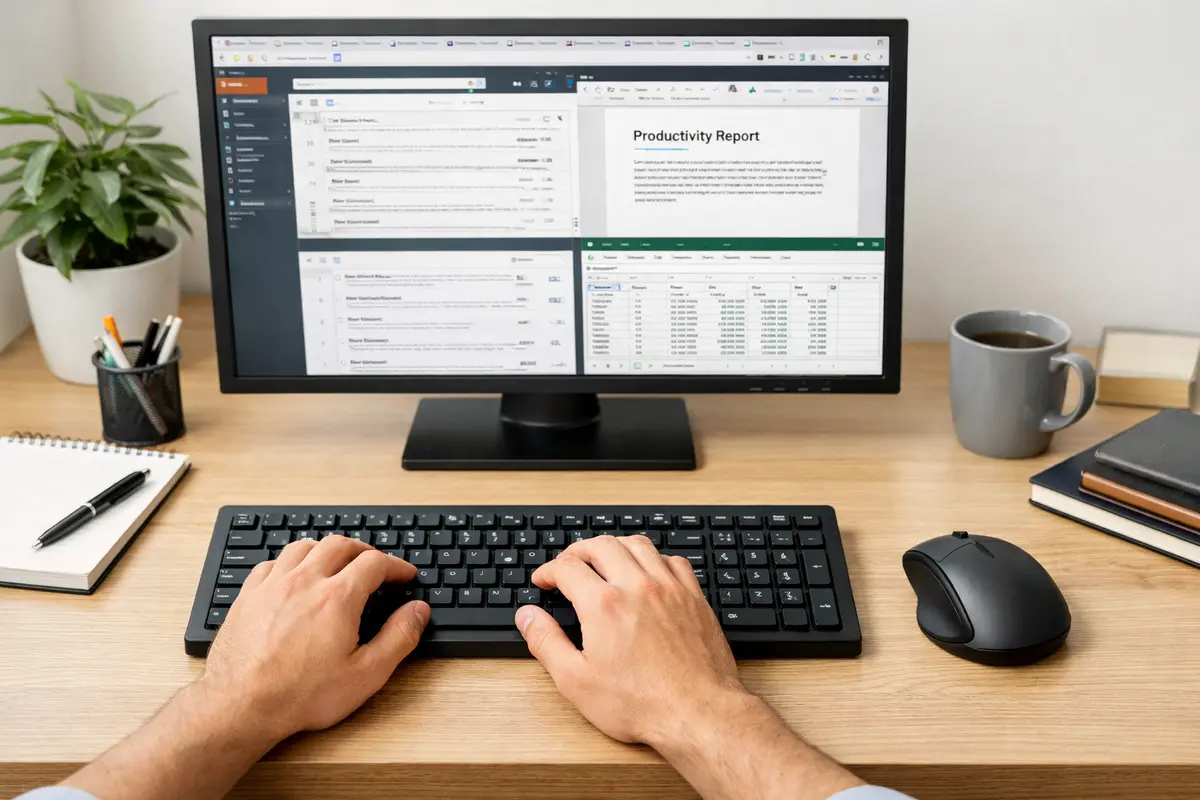
Mac mouse gestures for productivity — a few well-chosen swipes and button mappings can replace half your daily keyboard shortcuts and cut seconds off every navigation task. I’ve spent years refining my Mac workflow, and the single biggest speed improvement came from mapping Mission Control, app switching, and screenshot capture to mouse gestures rather than […]
 Guides
Keyboard Shortcuts to Reduce Mouse Strain: The Ergonomic Guide (2026)
Keyboard shortcuts to reduce mouse strain — the simplest ergonomic upgrade you can make today. No new desk, no £200 chair, no surgery. Just a few key combos that replace the repetitive mouse movements causing most wrist and shoulder fatigue. Table of Contents Keyboard Shortcuts to Reduce Mouse Strain: Quick Answer Keyboard Shortcuts to Reduce […]
 Docks & Hubs
USB Accessories Security Risks: Practical Fixes That Work
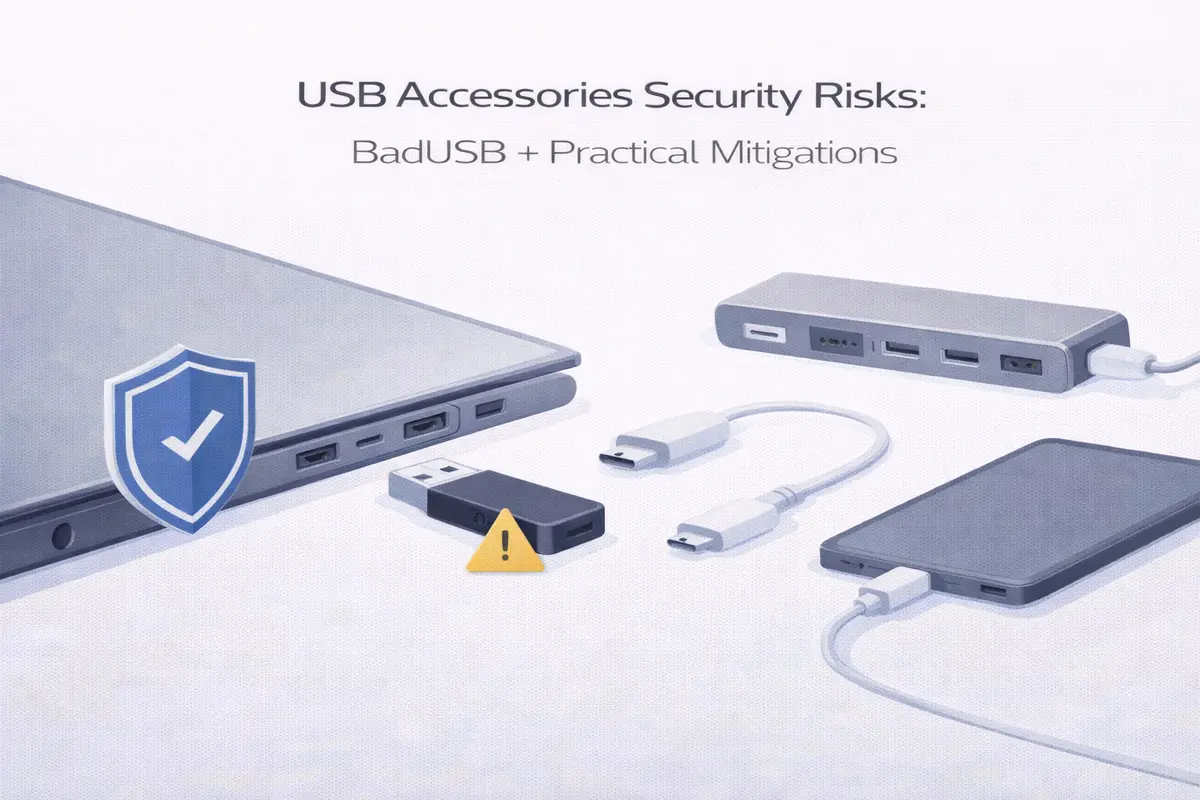
USB Accessories Security Risks — most people think USB threats are about infected files on a flash drive. They’re not. The real danger is a device that lies about what it is: a cable that’s actually a keyboard, a charger that steals data, a dongle that opens a backdoor the moment you plug it in. […]
 Docks & Hubs
USB-C Dock Deployment Checklist: The Enterprise IT Guide (2026)
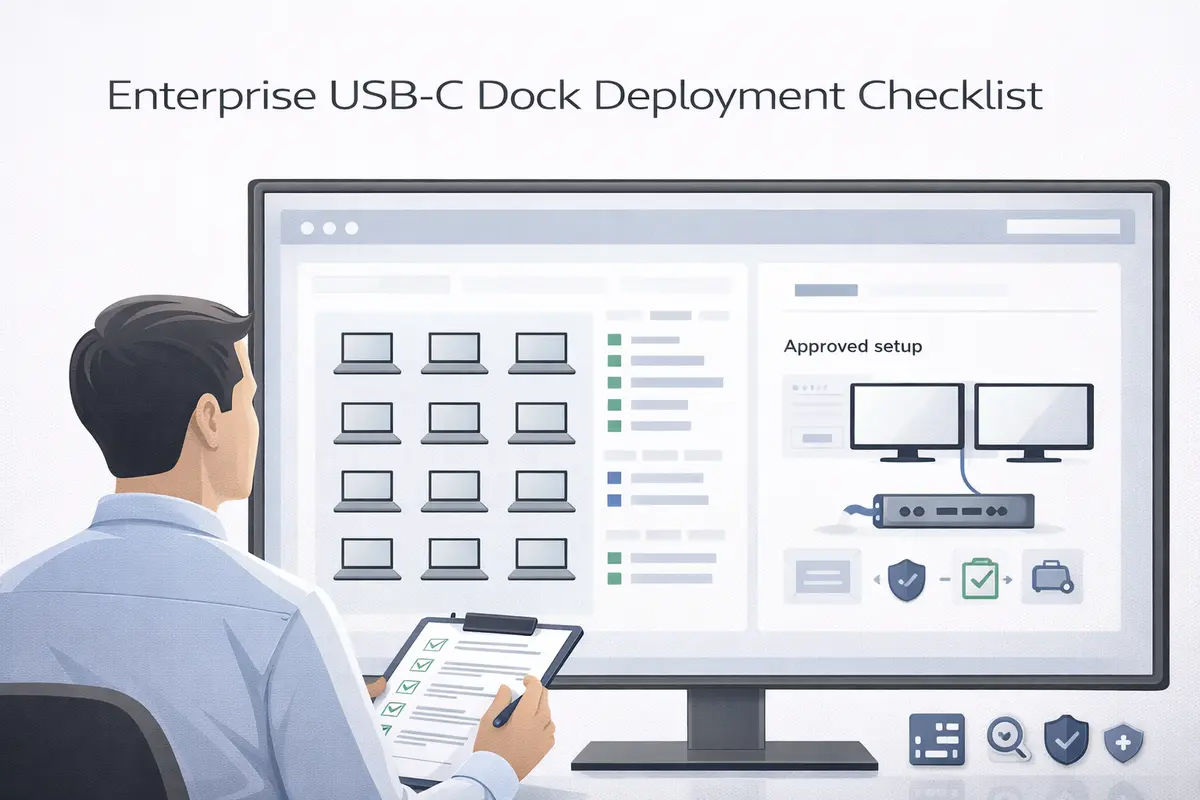
USB-C dock deployment checklist — rolling out docks across a company is one of those projects that looks simple on paper and turns into a helpdesk nightmare if you skip the pre-work. This checklist covers the three things that actually determine whether your deployment succeeds: matching dock technology to your laptop fleet, getting drivers and […]
 Docks & Hubs
Dock Not Detecting Monitors: The Step-by-Step Fix That Works (2026)
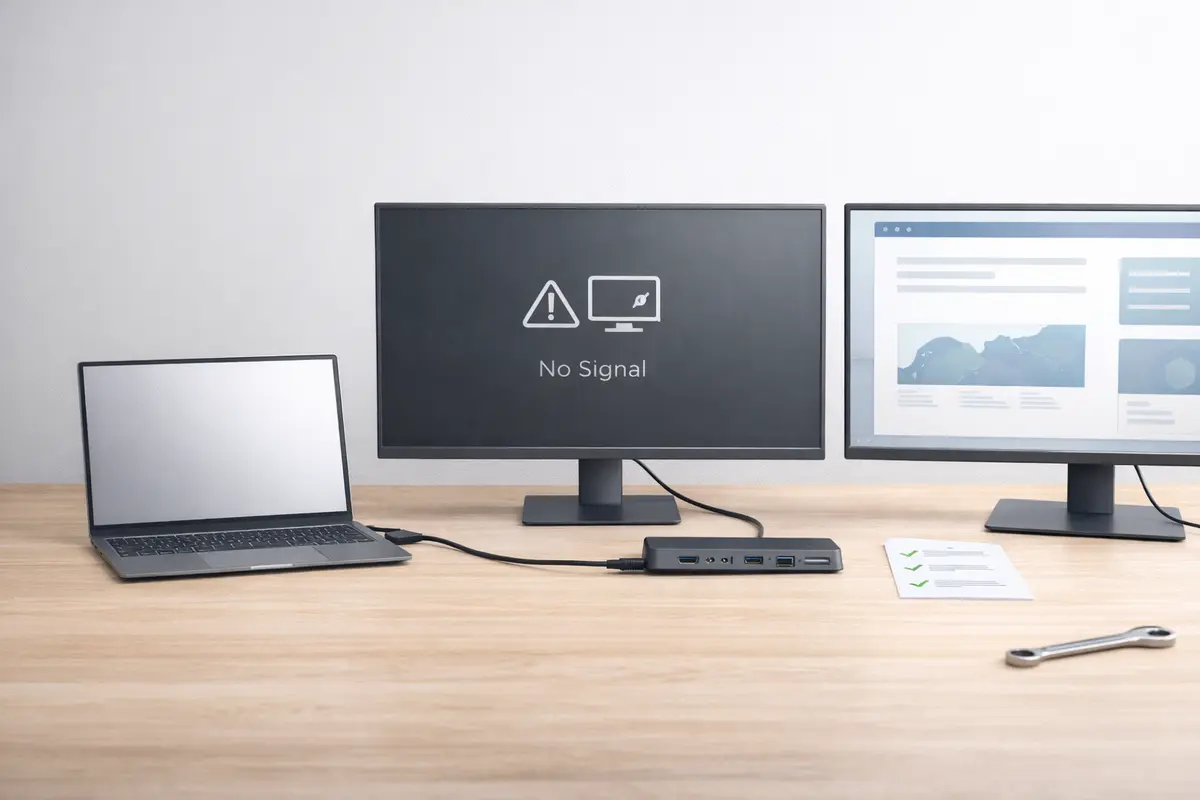
Dock not detecting monitors — I’ve diagnosed this exact problem on five different laptops across Windows and macOS, and the fix is almost always one of three things: a cable that doesn’t carry video, a driver that needs updating, or a laptop USB-C port that doesn’t support the dock’s display technology. This guide walks through […]