Ten laptops, every one of them under $400, and the cheapest is $245. I pulled the specifications on this page from the sellers' own Amazon product data rather than from press releases, and I sorted the whole set by price from lowest to highest. This is what $245 to $400 buys in budget laptops for work and students right now, including the parts of these listings the sellers would rather you did not read closely.
In a Hurry? Start Here
- BLUEING EnvyBook14 is the cheapest at $245–250 and the lightest here at 2.6 lb, but its processor is never given a part number.
- Auusda T156A has the best port set in the group: two full-function USB-C ports, Wi-Fi 6, Bluetooth 5.3 and RAM expandable to 32GB, all under $300.
- KAIGERR LX15 carries the newest processor here (Intel N150, four cores, 6MB cache) with 16GB DDR4 and 512GB of storage, but its USB-C carries no video.
- KurieTim 3500U is the only eight-thread machine on the page at $390–400, with a 16-inch screen, and no stated warranty.
- Two traps to check on every listing: memory generation (the Omnica's 16GB is DDR3) and USB-C capability (three machines have none, two have charging-or-data only).
- The pattern across all ten: price buys screen, memory and storage, not processor generation. Two machines $15 apart in price hold silicon six and a half years apart.
Table of Contents
- What $400 Actually Buys You
- Branded vs Unbranded Laptops: What You're Really Buying
- The Ten Laptops, Cheapest First
- BLUEING EnvyBook14: $245–250
- BLUEING BlueBook14: $260–270
- NIAKUN NY-14: $275–285
- NOTODD N700: $285–300
- Auusda T156A: $295–300
- Omnica: $340–350
- SAGAWHALE 4425Y: $345–355
- KAIGERR LX15: $355–365
- KurieTim 3500U: $390–400
- FUNYET NY-02: $395–400
- Full Comparison Table
- What to Check Before You Buy
- What Each Price Band Gets You
Disclosure: TechDeskZone is reader-supported. When you buy through links on our site, we may earn an affiliate commission at no additional cost to you. See our affiliate disclosure for details.
None of the ten machines below carries a household name on the lid. That is not an accident, and it is not automatically a problem either. What it does mean is that the specification sheet is the only thing you have to go on, so it had better be honest. Read those specs closely. A few of these listings are straight with you, several are careless, and two or three are quietly working against you.
What $400 Actually Buys You
In this price band, price tells you almost nothing about the processor. Two machines sit $15 apart in price and six and a half years apart in silicon: the Omnica at $340 to $350 and the KAIGERR at $355 to $365. Price tracks the case, the screen size, and how much memory and storage is installed. It does not track how modern the silicon is.
Look at what is actually under the hood across this set. There is Intel’s N150, a current low-power part. There is the N95 from 2023 and the Celeron N5095 from 2021. There is the Core m3-8100Y, the Pentium Gold 4425Y, and the Pentium Gold 6500Y, two-core designs from 2018, 2019 and 2021 built on low-power mobile platforms. And near the top of the range sits AMD’s Ryzen 5 3500U, a 2019 part running in a 15-watt envelope instead of a 5-watt one.
That spread is something you can feel. A 5-watt chip from 2018 handles a browser with a few tabs, a word processor, and a video call without complaint. Ask it to run twenty tabs, a spreadsheet with live formulas, and a screen share at the same time and it will start dropping frames. The sellers never mention this, because “Ryzen 5” and “Intel Processor” both sound impressive in a title. The generation is the number that matters, and it is usually the number they leave out.
Branded vs Unbranded Laptops: What You’re Really Buying
An unbranded laptop is not a laptop made of mystery parts in a shed. It is a laptop assembled by a company you have never heard of, out of components made by companies you have. The processor is Intel or AMD. The memory chips come from the same handful of fabs that supply every major brand. The panel is almost certainly from BOE, AU Optronics, or LG Display, and the SSD controller has a real part number you could look up.
What differs is everything wrapped around those parts. There is no in-house team tuning the thermal design. There is no BIOS team shipping security patches three years after the model launched. There is no retail network, no global repair chain, and no resale value worth counting. You are buying the same ingredients with a much thinner layer of engineering on top.
Where the parts actually come from
These ten listings are, with one or two exceptions, honest about their silicon. Where they slip, it usually looks more careless than cynical. The FUNYET listing calls Intel’s N95 a “12th generation Celeron”. The N95 is derived from Intel’s 12th-generation architecture, but Intel does not brand it as a Celeron, and those are two different product lines. The SAGAWHALE listing has Amazon’s own structured field set to Celeron while its model name reads 4425Y, and the NIAKUN listing with that same part number calls it a Pentium instead.
Memory is where the real trap sits. The Omnica ships 16GB of DDR3. Sixteen gigabytes is sixteen gigabytes on the box, and it looks generous sitting next to the 8GB machines that cost less. But DDR3 means the platform underneath is old enough that its memory technology predates DDR4 entirely, which is a strong hint about the age of everything else in the chassis. Capacity is the number sellers advertise. The memory generation is the number that tells you what you are actually buying.
What you give up
You give up predictable support. Across these ten listings the stated warranty runs from one year to two, and four of them do not state a warranty period at all. When you do find one, read where the machine has to go. Several of these sellers run their own support operation with a phone number and a promise of lifetime technical help, which is better than nothing and worse than a repair depot in your own country.
You also give up the software layer. A branded laptop from 2019 still receives firmware updates from its maker. These mostly do not. That matters less than it sounds for a browsing and document machine, and rather more than it sounds if you handle anything sensitive on it.
The Ten Laptops, Cheapest First
Everything below runs cheapest to most expensive. Prices are bands rather than fixed figures because these listings move, and the band reflects where each machine was sitting when I checked. Every specification comes from the seller’s own product data. Where two listings disagree with each other about the same part, I say so instead of picking a winner.
BLUEING EnvyBook14: cheapest of the ten
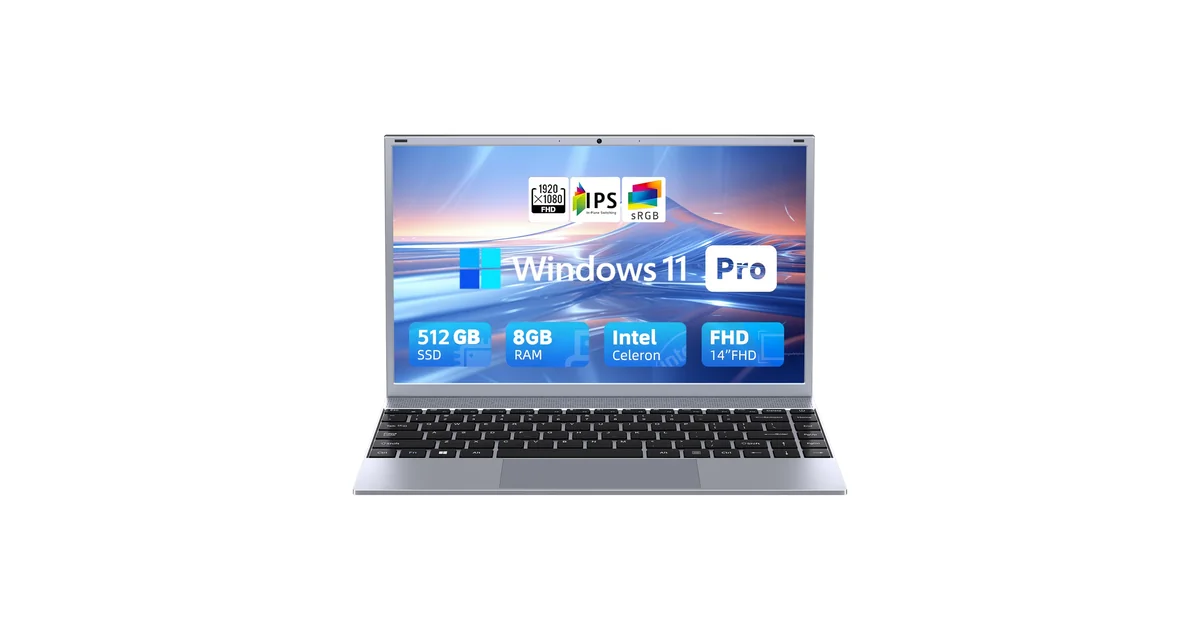
Price: $245–250 | CPU: Intel Pentium, 4 cores / 4 threads, 2MB cache, up to 2.64GHz | RAM: 8 GB | Storage: 512 GB SSD | Display: 14-inch FHD IPS | Weight: 2.6 lb | Warranty: 1 year plus 30-day support
This is the lightest machine in the group at 2.6 pounds, and it pairs that with the largest storage you will find under $250. For a student carrying a laptop between lecture halls, weight and storage shape daily life more than raw processor speed does.
The processor is where you need to slow down. BLUEING describes it as a Pentium with four cores, 2MB of cache, and a boost to 2.64GHz, and stops there. There is no part number anywhere in the listing. That is not enough information to identify which Pentium you are buying, and an omission like that usually means the answer is not flattering. Exactly one part in Intel’s catalogue matches that combination of four cores, 2MB of cache, and a 2.64GHz ceiling: the Pentium J3710, a desktop chip introduced in 2016. Either this machine carries a design that is now a decade old, or the specification was copied from one, and neither possibility is reassuring at this price.
What Works
- 2.6 lb, the lightest laptop here
- 512GB of storage at the lowest price in the set
- 14-inch IPS panel with wide viewing angles
- 1-year manufacturer plan, which four of these ten do not offer
- Wi-Fi 5 in a thin, clean chassis
What to Watch
- No CPU part number anywhere in the listing
- Only 2MB of cache, which points to an old design
- Amazon’s own Operating System field for this listing reads “1”
- No battery figure stated at all
- 8GB of RAM with no stated maximum
BLUEING BlueBook14: the best port set under $270
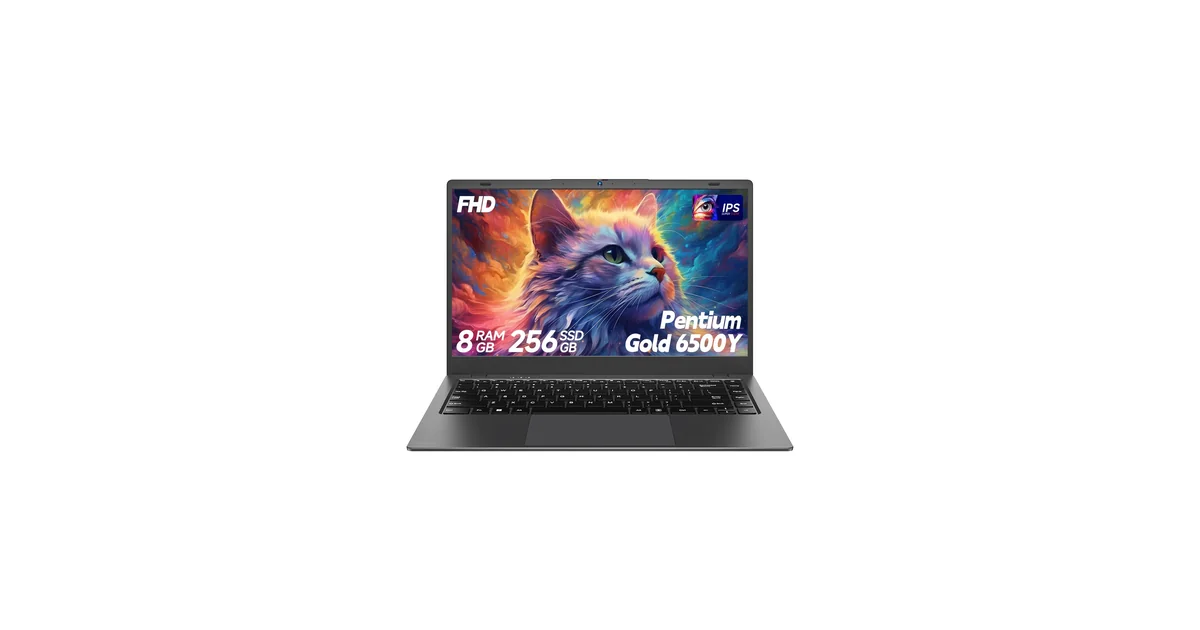
Price: $260–270 | CPU: Intel Pentium Gold 6500Y | RAM: 8 GB | Storage: 256 GB M.2 SATA SSD | Display: 14-inch FHD IPS, 100% sRGB | Ports: USB-C full-function, 2x USB 3.2, 1x USB 2.0, HDMI, TF card | Weight: 2.87 lb | Warranty: 1 year plus 30-day
Two things here are better than the price suggests, and the first is the port selection. A full-function USB-C that can carry video, two USB 3.2 ports, a normal HDMI, and a card reader is a more complete set than several machines here costing $100 more. The second is the screen, which BLUEING says covers 100% of sRGB. If you touch photos or do any design work at all, colour coverage is the specification budget laptops abandon first.
It also charges over USB-C, which the NOTODD further down does not. That means one cable for power, display, and peripherals if you pair it with a dock, and it changes how you use a machine every single day. The 6500Y is a 2021 low-power part with two cores, so treat this as a document and browser machine and not much beyond that.
If you want to know which of these laptops can realistically drive a second screen, and what the different USB-C video modes actually mean, our breakdown of DisplayLink versus USB-C Alt Mode versus Thunderbolt covers it in practical terms.
What Works
- Full-function USB-C, so video and charging over one cable
- 100% sRGB colour coverage, unusual at this price
- Privacy slider over the webcam
- 2.87 lb with a 14-inch IPS panel
- 38Wh battery and a 1-year protection plan
What to Watch
- Two-core processor from 2021, so multitasking has a low ceiling
- 256GB is the smallest storage in the bottom half of this list
- Amazon’s Operating System field for this listing reads “11”
- The bullets say TF cards expand to 512GB; the product title says 1TB
- M.2 SATA rather than NVMe, so the drive is slower than it needs to be
NIAKUN NY-14: the longest warranty in the group
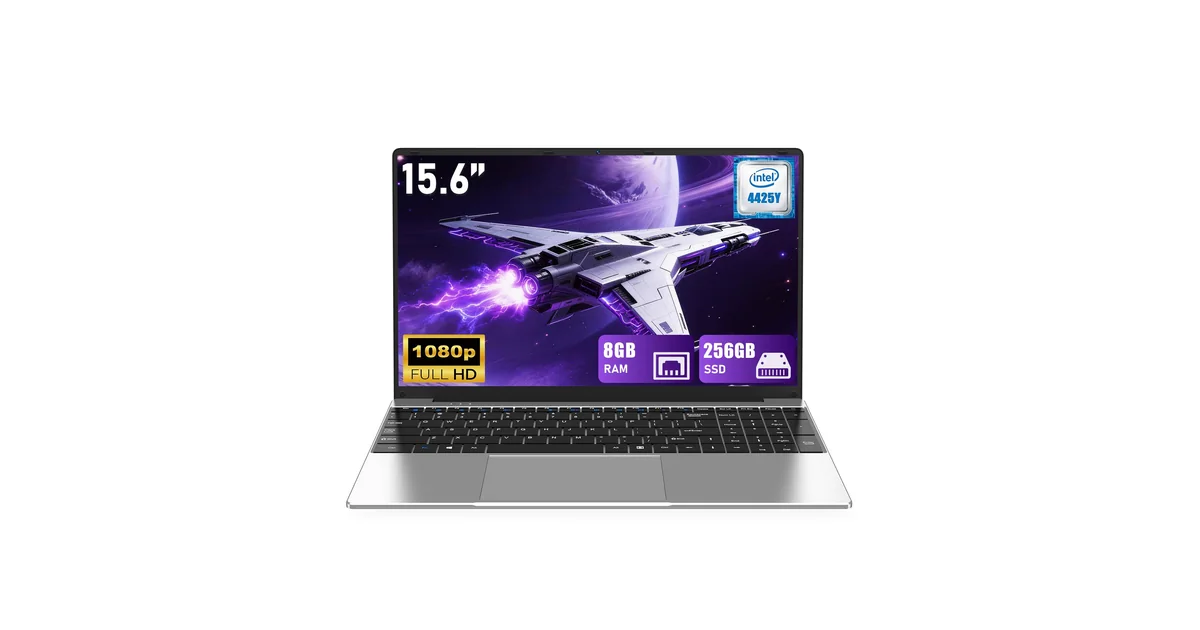
Price: $275–285 | CPU: Intel Pentium Gold 4425Y, 2 cores / 4 threads | RAM: 8 GB | Storage: 256 GB SSD | Display: 15.6-inch FHD IPS | Ports: 2x USB 3.0, Mini HDMI | Warranty: 2 years plus 180-day returns
NIAKUN backs this machine with two years of warranty and a 180-day return and replacement window, which is the most generous cover on this page and a real difference from the one-year plans elsewhere. If you are buying a laptop you cannot easily get repaired, a long return window is worth more than a small specification advantage.
The 4425Y is a 2019 two-core part, and the listing claims a maximum turbo of 2.4GHz. Intel’s own specification for this chip lists no turbo at all and a fixed 1.70GHz clock, so the figure in the bullet does not exist. Two cores inside a 15.6-inch chassis is a mismatch. You are carrying a big screen and paying for it in performance you never receive. Expect it to manage documents, calls, and a browser, and not much at once.
Two port details matter. It uses Mini HDMI rather than full-size HDMI, so you need an adapter for a standard monitor cable. There is also no USB-C port at all, which rules out single-cable docking entirely.
What Works
- 2-year warranty with 180-day free return and replacement
- 15.6-inch FHD IPS panel with 178-degree viewing angles
- Backlit keyboard and fingerprint login
- Stereo speakers, front camera, and analogue microphone
- Runs silently, which is a real benefit of a low-power chip
What to Watch
- Two cores only, which caps heavy multitasking hard
- Mini HDMI needs an adapter for a normal monitor cable
- No USB-C port, so no single-cable dock
- Bluetooth 4.2, several generations behind current
- The listing itself writes “Window 11 Pro”
NOTODD N700: available in the UK, at a price
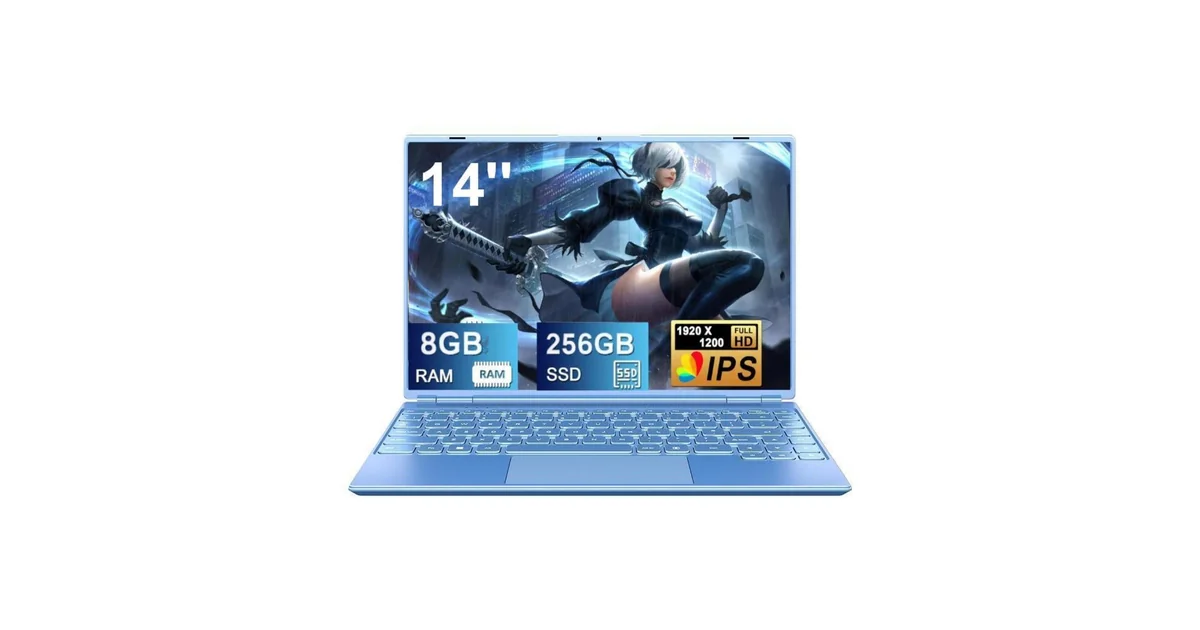
Price: $285–300 | CPU: Intel Celeron N5095 | RAM: 8 GB DDR4 | Storage: 256 GB SSD | Display: 14-inch 1920×1200 | Ports: USB 3.0, USB-C charging only, microSD | Weight: 3.2 lb | Bundled: wireless mouse
The N5095 is a four-core Celeron from Intel’s 2021 Jasper Lake line, and four proper cores make this a better multitasker than the two-core machines priced just above it. The screen runs at 1920×1200 rather than 1920×1080, which gives you a little more vertical room for documents, and the lid rotates a full 180 degrees for showing work to someone sitting across from you.
Two details deserve a hard look. The USB-C port here is charging only, so it cannot carry video, which means you still need the HDMI output or an adapter for an external screen. And the battery capacity is printed as “5000 mWh”. That is milliwatt-hours. 5000 mWh works out to roughly 1.3 mAh, which no laptop battery has ever been. It is a typo for mAh, and nobody caught it.
This is one of only two machines in the set that is genuinely available on Amazon UK, and the UK price band sits around £390–400 against roughly $285–300 in the US. If you are shopping from the UK, that gap is worth weighing before you assume this is the value pick.
What Works
- Four-core 2021 Celeron, a real step up from the two-core machines
- 1920×1200 screen gives extra vertical working room
- 180-degree lid and a cooling fan
- Wireless mouse included in the box
- Sold on Amazon UK as well as the US
What to Watch
- USB-C does data and power only, no video out
- Battery listed as “5000 mWh”, which is a unit error
- 12V barrel charger, so no USB-C power brick
- UK price sits far above the US price
- No warranty period stated in the listing
Auusda T156A: the only Ryzen under $300
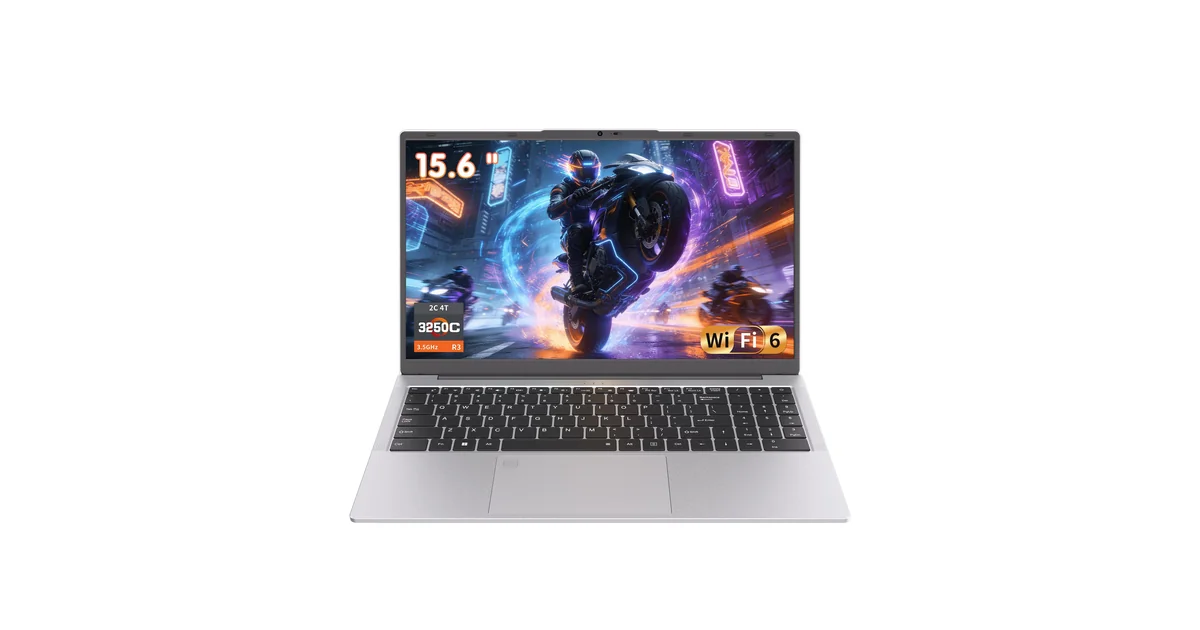
Price: $295–300 | CPU: AMD Ryzen 3 3250C, 2 cores / 4 threads, up to 3.5GHz | RAM: 8 GB dual-channel, expandable to 32 GB | Storage: 512 GB NVMe SSD | Display: 15.6-inch FHD | Ports: 2x USB-C (charging, data, video), HDMI, USB 3.0/2.0, microSD | Weight: 3.7 lb | Wireless: Wi-Fi 6, Bluetooth 5.3
This is the best-connected laptop in the group by a wide margin. Two USB-C ports that each handle charging, data, and video, plus a full-size HDMI, plus Wi-Fi 6 and Bluetooth 5.3. Most machines here give you one USB-C port with a caveat attached. This one gives you two, and neither comes with a caveat.
It is also the only laptop under $300 here where the memory is both dual-channel and expandable. Dual-channel matters more than a lot of buyers realise, because a two-core processor starved of memory bandwidth feels far slower than its clock speed suggests. Auusda states you can take it to 32GB, which is a genuinely useful upgrade path at this price.
There is a physical switch that disconnects the camera, which beats any software toggle. The Ryzen 3 3250C is a two-core part, so the extra memory headroom does not turn this into a workstation. It turns it into a very well-equipped light machine. It is also one of the two machines here sold on Amazon UK, at a band of roughly £330–370. Our guide to running dual monitors over USB-C is worth reading if you plan to dock it.
What Works
- Two full-function USB-C ports, best port set here
- Wi-Fi 6 and Bluetooth 5.3, the newest wireless in the group
- RAM expandable to 32GB, and dual-channel from the start
- 512GB NVMe SSD at under $300
- Physical camera kill-switch, plus fingerprint and backlit keys
What to Watch
- Two-core processor limits what the memory upgrade can achieve
- 3.7 lb, the heaviest of the bottom five
- Amazon’s Operating System field for this listing reads “Other”
- No warranty period stated in the listing
- UK price runs higher than the US price
Omnica: 16GB, but of the wrong generation
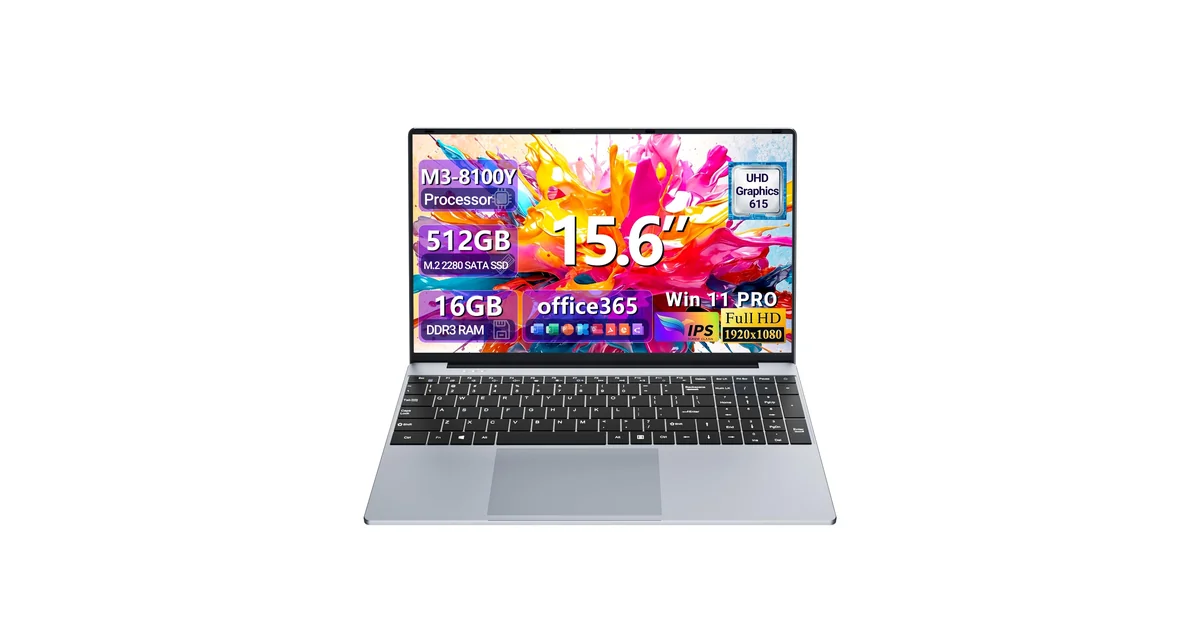
Price: $340–350 | CPU: Intel Core m3-8100Y, 2 cores / 4 threads | RAM: 16 GB DDR3 | Storage: 512 GB SSD | Display: 15.6-inch FHD IPS | Ports: 2x USB-A 3.0, Mini HDMI, TF card | Weight: 3.5 lb | Battery: 38.5Wh, listed as 4 hours
On the box this reads like the value pick of the middle band. Sixteen gigabytes of memory and 512GB of storage for under $350. The memory is DDR3. That one detail undoes most of the appeal, because DDR3 places the entire platform a full generation behind everything else here, and it is exactly the sort of thing a seller lists as “16GB” without ever naming the type.
The Core m3-8100Y is a 2018 low-power part with two cores. It runs cool and quiet, which is genuinely pleasant, and it will handle documents and video calls without complaint. Paired with DDR3, though, the capacity will not deliver the responsiveness a buyer expecting 16GB would anticipate.
Two connectivity points. There is no USB-C at all here, only USB-A and a Mini HDMI, so external display work means an adapter and no single-cable docking. Bluetooth is 4.2 as well, which is old enough to show up as flaky behaviour with modern earbuds and mice.
What Works
- 16GB of memory and 512GB of storage together
- 15.6-inch FHD IPS panel
- 180-degree hinge and a backlit keyboard
- 3.5 lb, competitive for its screen size
- Runs cool and quiet on a low-power chip
What to Watch
- DDR3 memory, which dates the whole platform
- No USB-C port anywhere on the machine
- Mini HDMI needs an adapter
- Bluetooth 4.2 is several generations behind
- Listing gives 4 hours of battery at maximum brightness
SAGAWHALE 4425Y: 16GB, four hours, and a contradiction
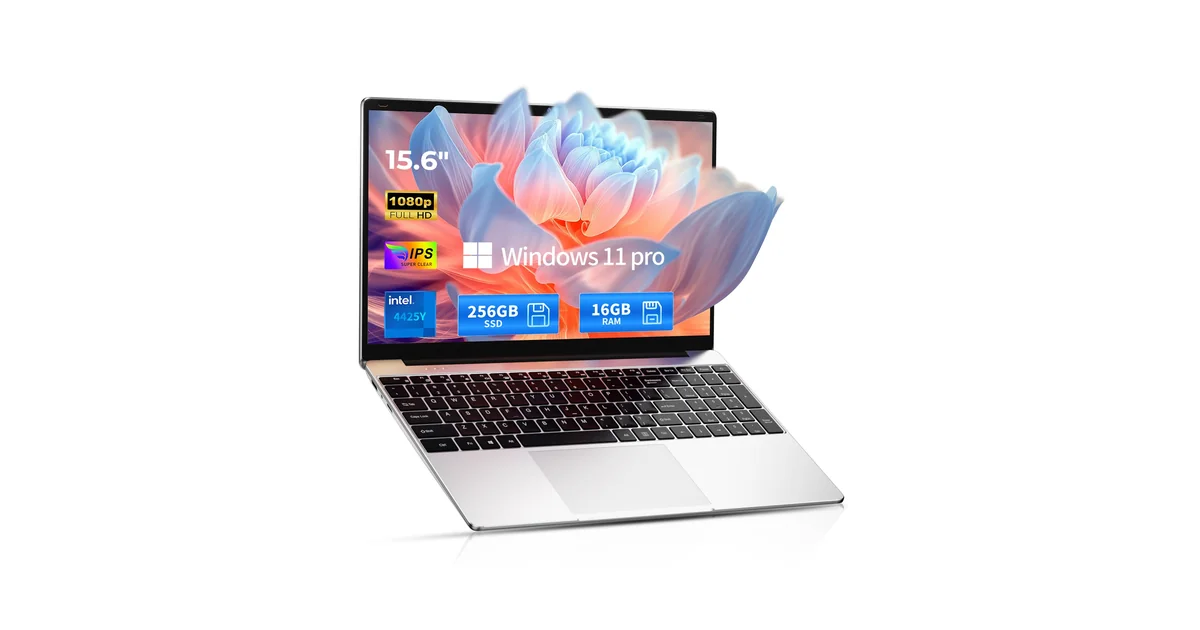
Price: $345–355 | CPU: listed as Celeron, model name 4425Y | RAM: 16 GB | Storage: 256 GB SSD | Display: 15.6-inch FHD IPS | Weight: 3.5 lb | Battery: 4 hours | Warranty: 2 years plus 6-month returns
Start with the contradiction, because it teaches you something. Amazon’s structured data for this listing sets the processor family to Celeron. The model name is 4425Y. The NIAKUN machine above, carrying that same part number, calls it a Pentium. Intel settles it: the part is a Pentium Gold 4425Y, and there is no Celeron 4425Y in Intel’s product catalogue. The seller’s model name is right and its processor family field is wrong. Whoever filled in that field did not know the part.
Setting that aside, this is a 15.6-inch machine with 16GB of memory and a two-year warranty with six months of returns, among the better support terms on this page. The battery figure is the problem. SAGAWHALE states four hours, openly, in the product bullets. Four hours on a machine meant to travel between a lecture hall and a desk is not enough, and no amount of memory makes up for it.
The listing also offers phone support on a US number on weekdays, which is more than most sellers here provide. If you are the sort of buyer who wants a human on the phone when something breaks, that counts for something real.
What Works
- 16GB of memory at under $355
- 2-year warranty and 6-month return window
- Weekday phone support on a US number
- 15.6-inch FHD IPS panel with a numeric keypad
- 3.5 lb, reasonable for the screen size
What to Watch
- Amazon says Celeron, its own model name says 4425Y, and NIAKUN calls that part a Pentium
- Four hours of battery, stated by the seller
- 256GB of storage for a $350 machine
- No port list anywhere in the listing
- Two cores on a 15.6-inch chassis
KAIGERR LX15: the newest processor here

Price: $355–365 | CPU: Intel N150, 4 cores / 4 threads, 6MB cache, up to 3.6GHz | RAM: 16 GB DDR4 | Storage: 512 GB M.2 SSD | Display: 15.6-inch FHD | Ports: 3x USB 3.2, USB-C data only, HDMI, TF card, USB-C power | Weight: 3.5 lb | Warranty: 12 months repair
The N150 is the most modern processor on this page, a current four-core part with 6MB of cache. Alongside 16GB of DDR4 and a 512GB M.2 SSD, this is the best-balanced machine in the set on paper, and I would point a buyer here first if specification per dollar is the whole decision.
Its USB-C port carries data and power but not video, so an external monitor still needs the HDMI output. It does charge over USB-C though, which is the modern arrangement and better than the barrel chargers two of these machines use. There is also a TF card socket, handy if you work with camera media.
One detail is worth seeing, because it says something about the listing. The product title spells Windows as “Windοws”, using a Greek omicron instead of a Latin letter. That substitution is deliberate and almost certainly meant to slip past automated filters. It does not make the laptop worse, but it tells you the seller is managing their listing rather than their product.
What Works
- Newest processor in the group, four cores with 6MB cache
- 16GB DDR4 and 512GB M.2 SSD together
- Three USB 3.2 ports plus a card slot
- Charges over USB-C rather than a barrel plug
- 12 months of repair cover and unlimited technical support
What to Watch
- USB-C is data and power only, no video output
- Title writes “Windows” with a Greek omicron to dodge filters
- Wi-Fi is 802.11ac rather than Wi-Fi 6, which the cheaper Auusda has
- 12-month warranty is shorter than several cheaper machines here
- Not sold on Amazon UK
KurieTim 3500U: eight threads for the money
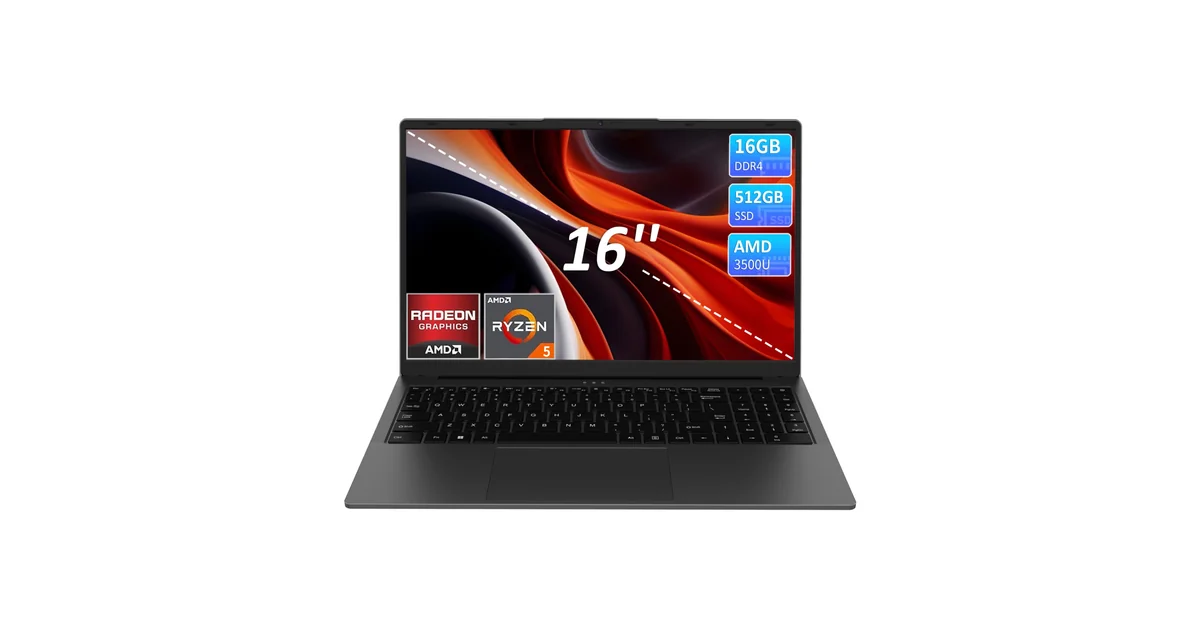
Price: $390–400 | CPU: AMD Ryzen 5 3500U, 4 cores / 8 threads, up to 3.7GHz | RAM: 16 GB DDR4 | Storage: 512 GB NVMe SSD | Display: 16-inch FHD IPS | Ports: USB-C full-function, 2x USB 3.0, HDMI | Weight: 3.8 lb | Warranty: not stated
Eight threads for under $400 is the headline, and it is the only machine here with eight. The Ryzen 5 3500U is a 2019 part, so it is not new. It is, however, a 15-watt desktop-class design rather than the 5-watt chips most of this list uses, and that distinction shows up under sustained load, which is exactly where a cheap laptop usually falls over.
The screen is the largest here at 16 inches, with a 90% screen-to-body ratio and a 4mm bezel, so you get desktop-like working space without a desktop-like footprint. Combined with a fingerprint reader, a backlit keyboard, and a numeric keypad, it is aimed squarely at someone doing spreadsheet and document work all day.
The gaps are practical. KurieTim does not state a warranty period, and a laptop at the top of this price band with no stated cover is a real risk. It is also the heaviest machine here at 3.8 pounds, and the most likely of the ten to run a loud fan under load. If your work is genuinely multi-application and sustained, this is the one built for it. If it is browsing and documents, you are paying for headroom you will never use.
What Works
- 4 cores and 8 threads, the only eight-thread machine here
- 15-watt processor, so it holds up under sustained load
- 16-inch FHD IPS panel with a 4mm bezel
- 16GB DDR4 and a 512GB NVMe SSD
- Full-function USB-C alongside a standard HDMI
What to Watch
- No warranty period stated anywhere in the listing
- 3.8 lb, the heaviest laptop in this set
- Processor is a 2019 design
- Fan noise is likely under sustained load
- Not sold on Amazon UK
FUNYET NY-02: the most honest listing here
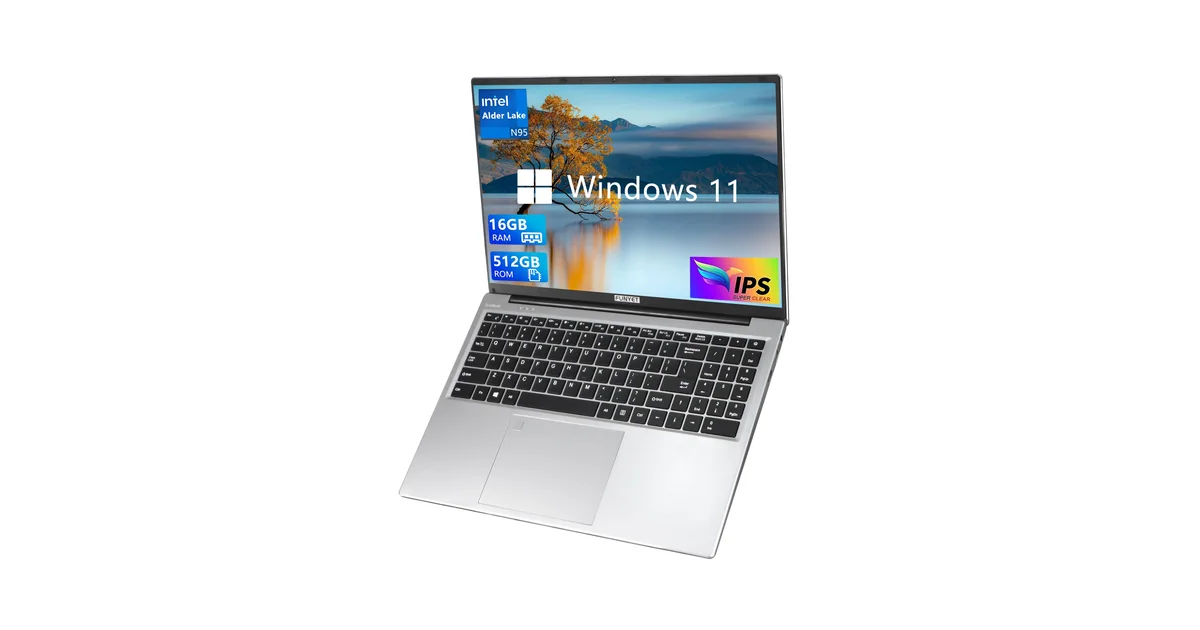
Price: $395–400 | CPU: Intel N95, 4 cores / 4 threads, up to 3.4GHz | RAM: 16 GB | Storage: 512 GB SSD | Display: 16-inch FHD IPS, 1920×1200 | Weight: 3.5 lb | Battery: 6000mAh | Warranty: 2 years plus 180-day returns
FUNYET’s battery bullet deserves quoting, because no other seller on this page does anything like it. The listing states that the company received feedback about short battery life, so it increased the battery from 5000mAh to 6000mAh and raised runtime from five hours to six. Sellers in this segment almost never admit a weakness in public. This one did, and then told you what it changed.
The machine itself is a 16-inch, 1920×1200 panel with 16GB of memory, 512GB of storage, and Intel’s four-core N95. The listing calls that chip a “12th generation Celeron”, which is not quite right. The N95 is derived from Intel’s 12th-generation architecture, but Intel does not market it as a Celeron, and conflating the two misleads anyone comparing processors by name.
Support terms are the strongest here: two years of warranty and 180 days of returns, with a phone number listed. It is also the most expensive machine in the group, and the UK page for it exists but shows as currently unavailable, so this one is US-only in practice.
What Works
- Listing openly documents a battery upgrade after customer feedback
- 16-inch 1920×1200 IPS panel with 90% screen-to-body
- 16GB of memory and 512GB of storage
- 2-year warranty and 180-day returns, with phone support
- Four-core N95 with a 6000mAh battery, 6 hours claimed
What to Watch
- Most expensive laptop in this lineup
- N95 is described as a “12th generation Celeron”, which it is not
- UK product page shows as currently unavailable
- No port list in the feature bullets
- 0.8 inches thick and 3.5 lb, so portability is average
Full Comparison Table
Every machine on this page, side by side. Prices are the same bands used above, and the order is identical: cheapest first.
| Laptop | Price | Processor | RAM | Storage | Screen | USB-C | Warranty |
|---|---|---|---|---|---|---|---|
| BLUEING EnvyBook14 | $245–250 | Pentium, 4 cores, unnamed | 8 GB | 512 GB SSD | 14″ FHD IPS | Not stated | 1 year |
| BLUEING BlueBook14 | $260–270 | Pentium Gold 6500Y | 8 GB | 256 GB SATA | 14″ FHD IPS | Full-function | 1 year |
| NIAKUN NY-14 | $275–285 | Pentium 4425Y, 2 cores | 8 GB | 256 GB SSD | 15.6″ FHD IPS | None | 2 years |
| NOTODD N700 | $285–300 | Celeron N5095, 4 cores | 8 GB DDR4 | 256 GB SSD | 14″ 1920×1200 | Charging only | Not stated |
| Auusda T156A | $295–300 | Ryzen 3 3250C, 2 cores | 8 GB, to 32 GB | 512 GB NVMe | 15.6″ FHD | 2x full-function | Not stated |
| Omnica | $340–350 | Core m3-8100Y, 2 cores | 16 GB DDR3 | 512 GB SSD | 15.6″ FHD IPS | None | Not stated |
| SAGAWHALE 4425Y | $345–355 | Pentium Gold 4425Y (listed as Celeron) | 16 GB | 256 GB SSD | 15.6″ FHD IPS | Not stated | 2 years |
| KAIGERR LX15 | $355–365 | Intel N150, 4 cores | 16 GB DDR4 | 512 GB M.2 | 15.6″ FHD | Data + power | 12 months |
| KurieTim 3500U | $390–400 | Ryzen 5 3500U, 4C/8T | 16 GB DDR4 | 512 GB NVMe | 16″ FHD IPS | Full-function | Not stated |
| FUNYET NY-02 | $395–400 | Intel N95, 4 cores | 16 GB | 512 GB SSD | 16″ 1920×1200 | Not stated | 2 years |
What to Check Before You Buy
The specifications that decide whether a cheap laptop suits you are not the ones printed largest on the box. Here they are in the order they actually affect daily use.
Memory: capacity and generation
Capacity is the number sellers advertise and the number buyers ask about. Generation is the number that decides whether that capacity does anything. DDR3 in a laptop sold in 2026 means the platform underneath predates DDR4, which usually means an older processor socket, an older chipset, and an older everything else. DDR4 is what you should expect at this price, and 8GB is the floor for comfortable work. Reach for 16GB if you can, but not by accepting DDR3 to get there.
Dual-channel matters too, and it is almost never advertised. Two memory channels roughly double the bandwidth available to the processor, and on low-core-count chips that difference is more noticeable than capacity above 8GB. The Auusda above is the clearest example, and the only machine in the set where the listing confirms dual-channel and states a maximum you can upgrade to.
Storage: the interface matters more than the number
All ten machines here have solid state storage, which is the important part. What differs is the interface. NVMe drives talk over PCIe and are substantially faster than SATA drives, and at this price you will find both. The BLUEING BlueBook14 uses an M.2 SATA drive, while the Auusda and the KurieTim both use NVMe. Comparing two laptops with identical capacity, the NVMe one is the one to take.
To understand what you are actually buying and whether a swap is possible later, our guide to NVMe drives in 2026 covers the differences, and the SATA SSD guide explains the older standard these budget machines often use.
Ports: which ones can drive a screen
Not all USB-C ports are the same, and that distinction decides whether you can run a monitor from one. A full-function USB-C port carries video as well as data and power. A data-only or charging-only port does not, and you are then dependent on HDMI. Three of the ten laptops here have no USB-C at all, and two more have a USB-C port that will not drive a display. Only four can carry video over USB-C.
Mini HDMI is the other trap. It looks like HDMI but needs an adapter for a standard cable, and three machines here use it. If you already own a monitor cable, that adapter is a cost and one more thing to lose. Our comparison of HDMI, DisplayPort and USB-C sets out what each connection can carry, and if you plan to dock, the USB-C docking station roundup covers what works with machines in this class.
Battery figures and warranty terms
Treat every battery hour as optimistic. The listings here quote between four and six hours, and those are maximum-brightness or ideal-condition figures. A realistic expectation for a 5-watt machine with a 38Wh battery doing real work is closer to two-thirds of whatever is printed. The listing that gives a four-hour figure is the one being most honest with you.
Warranty is where this segment diverges sharply. Four of these ten do not state a period at all. Where one is stated it runs from twelve months to two years, and what matters as much as the length is where the machine goes and who pays the postage. A two-year warranty serviced by the seller’s own operation is often worth more than a one-year warranty you cannot exercise.
What Each Price Band Gets You
Reading the ten machines as four bands makes the shape of this market clearer than reading them one at a time.
Under $270. You are buying portability and storage, and paying for it in processor age. Both machines in this band sit between 2.6 and 2.9 pounds and one of them carries 512GB. Only one of them names its processor precisely enough to verify, and both are two-core or unnamed four-core designs. Fine for browsing, documents, and video calls.
$275 to $300. This is the most competitive band here and where I would focus. You get a four-core 2021 Celeron with a 1920×1200 screen at one end, and a dual-channel, expandable, Wi-Fi 6 machine with two full-function USB-C ports at the other. Both can drive an external display. Both come with genuine trade-offs, and they are different trade-offs, which is why this band is worth studying rather than skimming.
$340 to $365. Memory and storage climb to 16GB and 512GB, and this band holds both the newest chip on the page, a 2025 Intel N150, and a 2018 Core m3. That is the whole argument of this article inside a single band. One of the three runs DDR3 and another does not state its memory type at all.
$390 to $400. Eight threads and a 16-inch display on one machine, four cores and a 16-inch display on the other, so what you buy here is threads and screen size rather than chip age. The eight-thread design is from 2019; the four-core one is from 2023. If your work genuinely runs several demanding things at once, the eight-thread machine is the only one here built for it. If it does not, this band is poor value.
Across all four bands the pattern holds. The money buys screen, memory, and storage, and processor generation is only loosely tied to price. Two machines $15 apart hold silicon six and a half years apart. If you take one thing from this page, take that.
For the fundamentals behind everything above, our beginner’s guide to computer hardware is the place to start. If you are kitting out a desk alongside the laptop, the laptop stand roundup and our notes on choosing a panel type cover the two accessories that change how a budget laptop feels every day.
The Verdict
There is no single best laptop under $400 here, and anyone who tells you otherwise is selling you something. What the ten listings show is that $400 is enough money to buy a genuinely usable work and study machine, provided you check four things and ignore the rest of the marketing.
Check the processor generation before the processor name. A 2019 two-core part and a current four-core part can both be described as "Intel Processor", and the difference between them is the difference between a laptop that still feels fine in three years and one that does not. Check the memory generation, not just the capacity. The Omnica's 16GB of DDR3 is worth less in practice than the Auusda's 8GB of DDR4, and it costs $50 more. Check whether the USB-C port carries video, because three of these laptops have no USB-C at all and two more have ports that cannot drive a monitor. And check the warranty, because four of the ten do not state one.
If your work is browsing, documents, spreadsheets and video calls, which is what the overwhelming majority of students and home-office workers actually do, the $275 to $300 band is where your money works hardest. Both machines there can drive an external display, both have four real cores or better, and neither is your only option if one of them is out of stock. If your work genuinely runs several demanding applications at once, the KurieTim 3500U is the only machine on this page with enough threads for it, and you should go in knowing it is the heaviest one here with no stated warranty.
What you are not getting at any price in this range is support you can walk into. Every one of these ten is sold by a company without a repair network in your country, and the warranty, when stated, is serviced remotely. That is the honest trade for saving several hundred dollars, and it is a reasonable trade for a second machine or a machine that stays on a desk. Weigh it accordingly.
← Back to Best Picks Hub